Benutzereingabe

Discover how to easily collect structured data within your Standard Operating Procedures (SOPs) using the Work Instruction App. Whether you need checkboxes, signatures, dates, sliders, or text fields—this guide explains every user input type available to streamline your workflows. Designed for industries like manufacturing, logistics, and pharmaceuticals, our intuitive platform helps teams capture input accurately and efficiently at every step of the process.

Beim Ausführen einer Standard Operating Procedure (SOP) in der Work Instruction App können Benutzer Eingaben über eine Vielzahl konfigurierbarer Felder machen – wie Kontrollkästchen, Textfelder, Datumsauswahl, Schieberegler, Karten, digitale Unterschriften und mehr. Jeder Eingabetyp ist darauf ausgelegt, eine genaue Datenerfassung in jedem Schritt Ihres Workflows sicherzustellen.

Kontrollkästchen

Das Kontrollkästchen-Eingabefeld ermöglicht es Benutzern, eine oder mehrere vordefinierte Optionen beim Ausführen einer Standard Operating Procedure (SOP) auszuwählen. Ideal zur Bestätigung mehrerer Aufgaben, Bedingungen oder Prüfungen in einem Schritt.
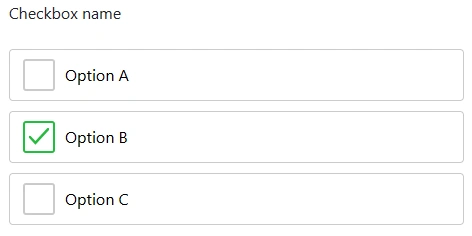
Example use case: confirming safety checks
As a manager you can add a checkbox to your workflow. To do this, click on the "Add element" button in the editor:
Add element to Standard Operating Procedure
Then click on the "Checkbox" button under the "User Input" tab:
Add Checkbox to Standard Operating Procedure
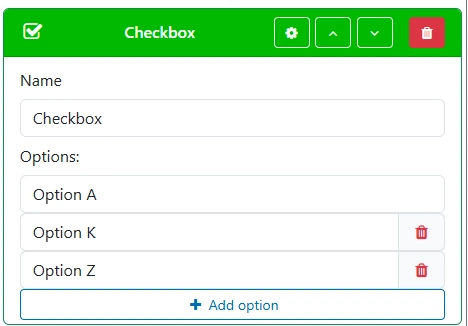
Give your checkbox a clear and descriptive name. This will be shown to users during SOP execution. Every checkbox includes at least one predefined option. Use the label field to describe each option clearly. You can add additional options by clicking "Add option".
Create Checkbox

Datum

Das Datum-Eingabefeld ermöglicht es Benutzern, beim Ausführen einer Standard Operating Procedure (SOP) ein bestimmtes Datum auszuwählen. Nützlich für die Protokollierung von Inspektionsdaten, Fristen oder Genehmigungen innerhalb Ihres Workflows.

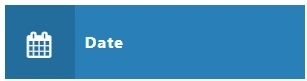
Date
As a manager you can add a date to your workflow. To do this, click on the "Add element" button in the editor:
Add element to Standard Operating Procedure
Then click on the "Date" button under the "User Input" tab:
Add Date to Standard Operating Procedure
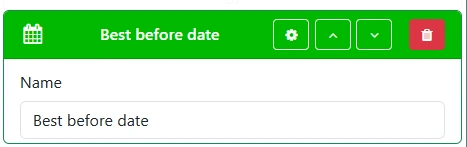
Make sure to provide a clear and descriptive label for the date field so that users immediately understand its purpose.
Create Date inputfield

Zeichnung / Unterschrift

Das Zeichnungs- oder Unterschriftsfeld ermöglicht es Benutzern, beim Ausführen einer Standard Operating Procedure zu unterschreiben oder zu zeichnen.
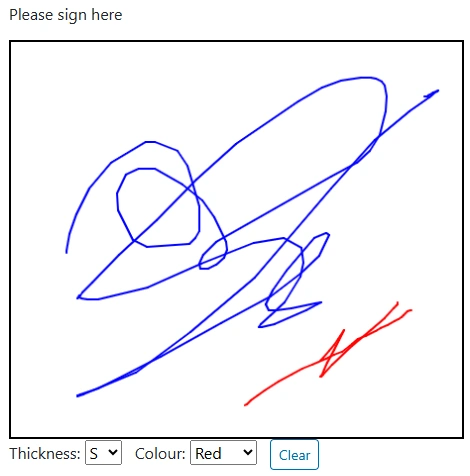
Drawing
As a manager you can add a drawing element to your workflow. To do this, click on the "Add element" button in the editor:
Add element to Standard Operating Procedure
Then click on the "Drawing" button under the "User Input" tab:
Add Drawing to Standard Operating Procedure
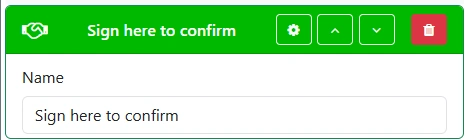
Provide a clear and descriptive name for the drawing field.
Create drawing field

Zahl

Das Zahleneingabefeld ermöglicht es Benutzern, beim Ausführen einer Standard Operating Procedure eine Zahl einzugeben.


Number field
As a manager you can add a number element to your workflow. To do this, click on the "Add element" button in the editor:
Add element to Standard Operating Procedure
Then click on the "Number" button under the "User Input" tab:
Add Number to Standard Operating Procedure
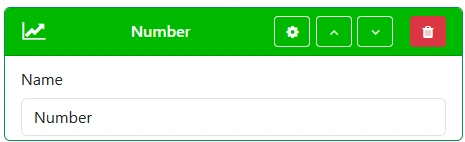
Provide a clear and descriptive name for the number field so users understand its purpose immediately.
Create number field

Kartenstandort

Das Karteneingabefeld ermöglicht es Benutzern, beim Ausführen einer Standard Operating Procedure einen Standort auf der Karte auszuwählen.
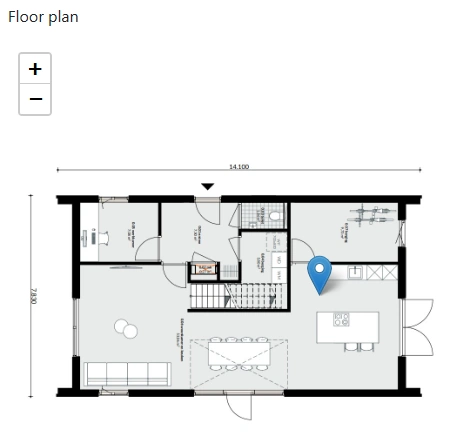

Map field
As a manager you can add a map location to your workflow. To do this, click on the "Add element" button in the editor:
Add element to Standard Operating Procedure
Then click on the "Map location" button under the "User Input" tab:
Add Map Location to Standard Operating Procedure
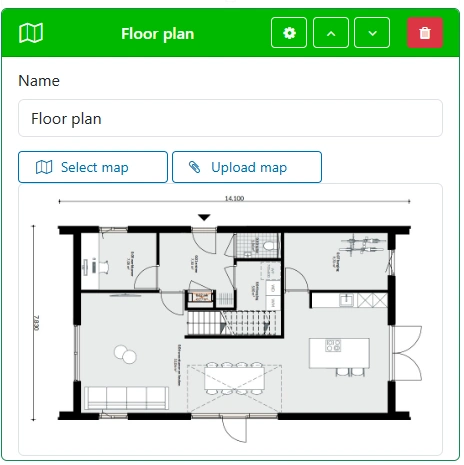
Provide a clear and descriptive name for the map location field. Select an existing map or upload a new map.
Create map field

Optionsfeld

Das Optionsfeld-Eingabefeld ermöglicht es Benutzern, beim Ausführen einer Standard Operating Procedure eine Option per Optionsfeld auszuwählen.
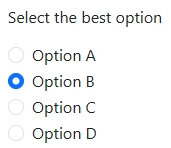

Radio button
As a manager you can add a radio button to your workflow. To do this, click on the "Add element" button in the editor:
Add element to Standard Operating Procedure
Then click on the "Radio Button" button under the "User Input" tab:
Add Radio Button to Standard Operating Procedure
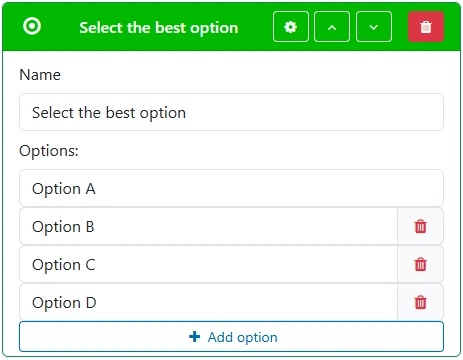
Give the radio button field a good, clear, recognizable name. Add as many predefined options as needed.
Create radio button field

Auswahl

Das Auswahlfeld ermöglicht es Benutzern, beim Ausführen einer Standard Operating Procedure eine Option auszuwählen.
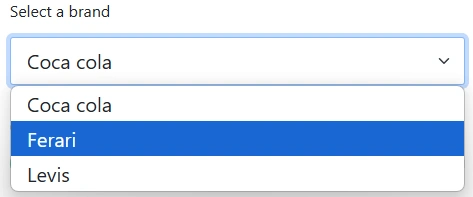
Selection
As a manager you can add a selection element to your workflow. To do this, click on the "Add element" button in the editor:
Add element to Standard Operating Procedure
Then click on the "Selection" button under the "User Input" tab:
Add Selection to Standard Operating Procedure
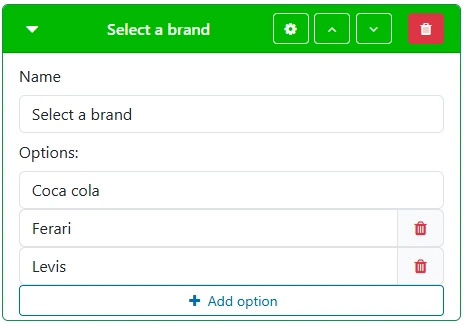
Give the selection field a good, clear, recognizable name. Add the necessary options.
Create selection field

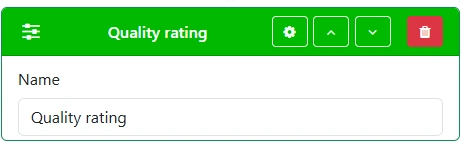
Schieberegler

Das Schieberegler-Eingabefeld ermöglicht es Benutzern, beim Ausführen einer Standard Operating Procedure einen Wert durch Verschieben eines Reglers entlang einer Skala auszuwählen.

Slider
As a manager you can add a slider to your workflow. To do this, click on the "Add element" button in the editor:
Add element to Standard Operating Procedure
Then click on the "Slider" button under the "User Input" tab:
Add Slider to Standard Operating Procedure
Give the slider field a good, clear, recognizable name.
Create slider field

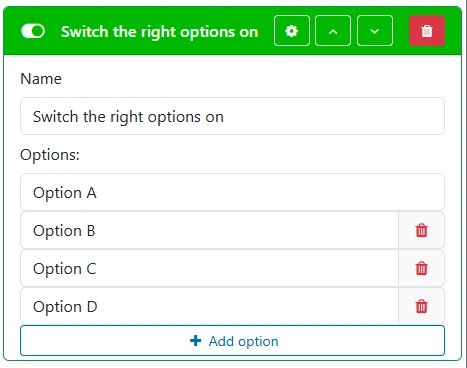
Schalter

Das Schalter-Eingabefeld ermöglicht es Benutzern, beim Ausführen einer Standard Operating Procedure Optionen mit einer Umschalttaste auszuwählen.
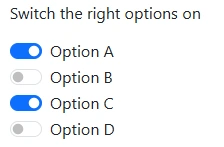

Switch
As a manager you can add a switch element to your workflow. To do this, click on the "Add element" button in the editor:
Add element to Standard Operating Procedure
Then click on the "Switch" button under the "User Input" tab:
Add Switch to Standard Operating Procedure
Give the switch field a good, clear, recognizable name. Configure the available options as needed.
Create switch field

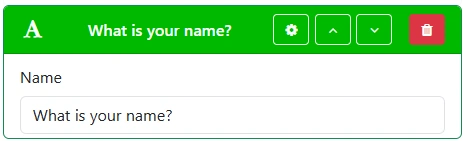
Text

Das Texteingabefeld ermöglicht es Benutzern, beim Ausführen einer Standard Operating Procedure Text in einer einzelnen Zeile einzugeben.


Text
As a manager you can add a text element to your workflow. To do this, click on the "Add element" button in the editor:
Add element to Standard Operating Procedure
Then click on the "Text" button under the "User Input" tab:
Add Text to Standard Operating Procedure
Give the text field a good, clear, recognizable name.
Create text field

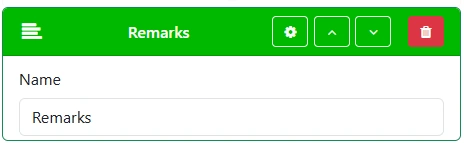
Textbereich

Das Textbereich-Eingabefeld ermöglicht es Benutzern, beim Ausführen einer Standard Operating Procedure längeren Text über mehrere Zeilen einzugeben.
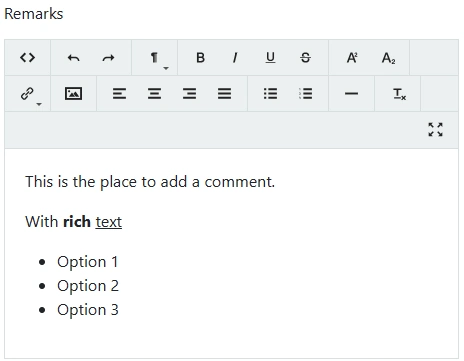

Text area
As a manager you can add a text area element to your workflow. To do this, click on the "Add element" button in the editor:
Add element to Standard Operating Procedure
Then click on the "Text area" button under the "User Input" tab:
Add Text Area to Standard Operating Procedure
Give the text area field a good, clear, recognizable name.
Create text area field