



Logistics SOP Software
Last updated:
SOP software for logistics gives warehouse and transport staff digital work instructions for inbound checks, picking, loading and equipment inspections. Instructions open via a QR code on the dock or rack, include scans, photos and required checks, and every execution is stored, so you can show who loaded or checked what and when.
Optimize your work process in logistics operations with digital work instructions.
With a rapidly changing workforce, it is difficult to maintain high quality standards and train staff quickly. The Work Instruction App helps train temporary workers and provides a reference work to meet the high quality standards.
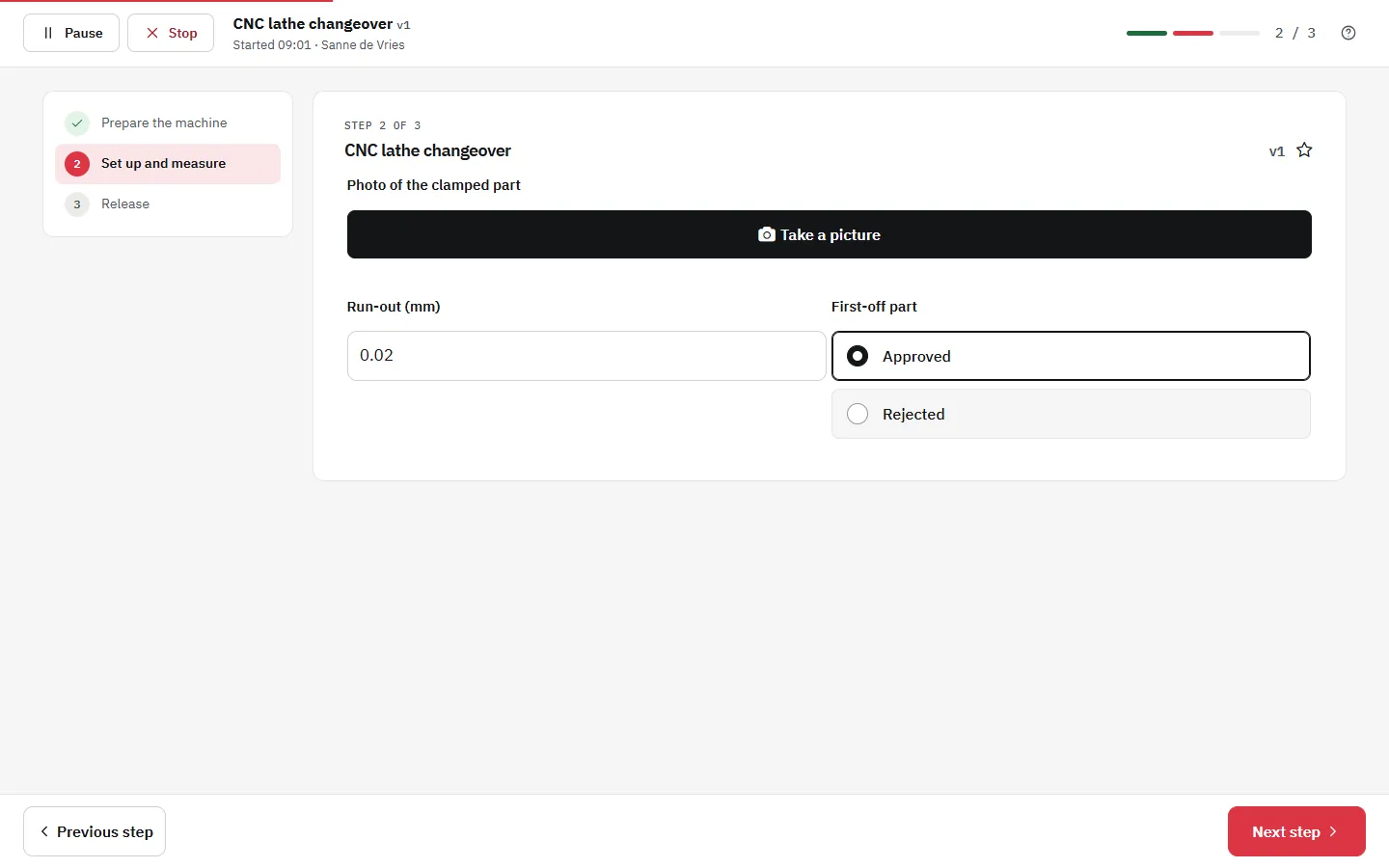
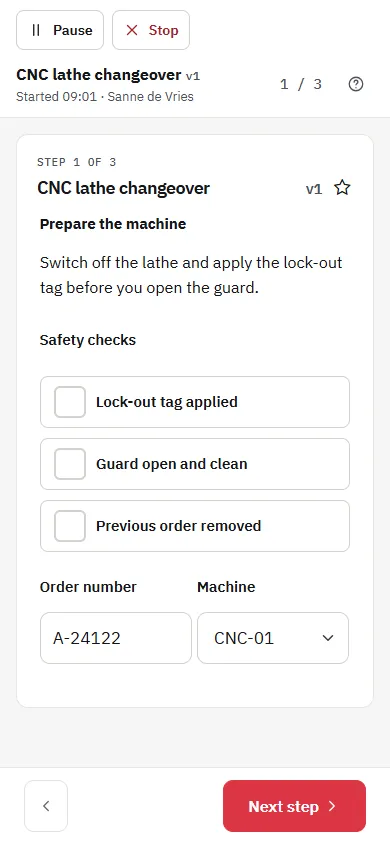
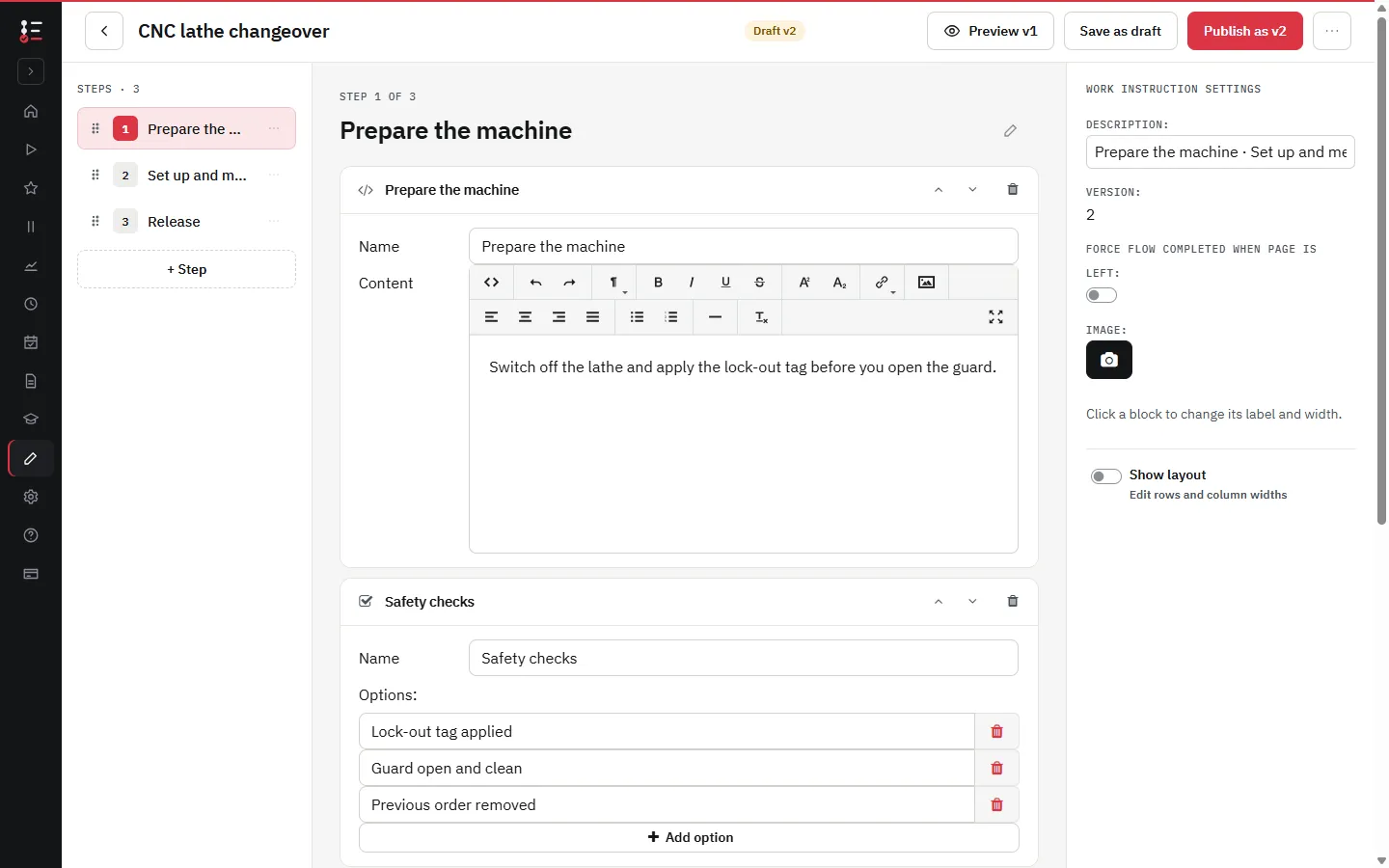
What it looks like in the app
Rapid knowledge transfer
Utilize video and photos to capture the knowledge of experienced employees, streamlining the training process for new workers and minimizing the time senior staff need to spend on skill development and ensuring adherence to standardized procedures.
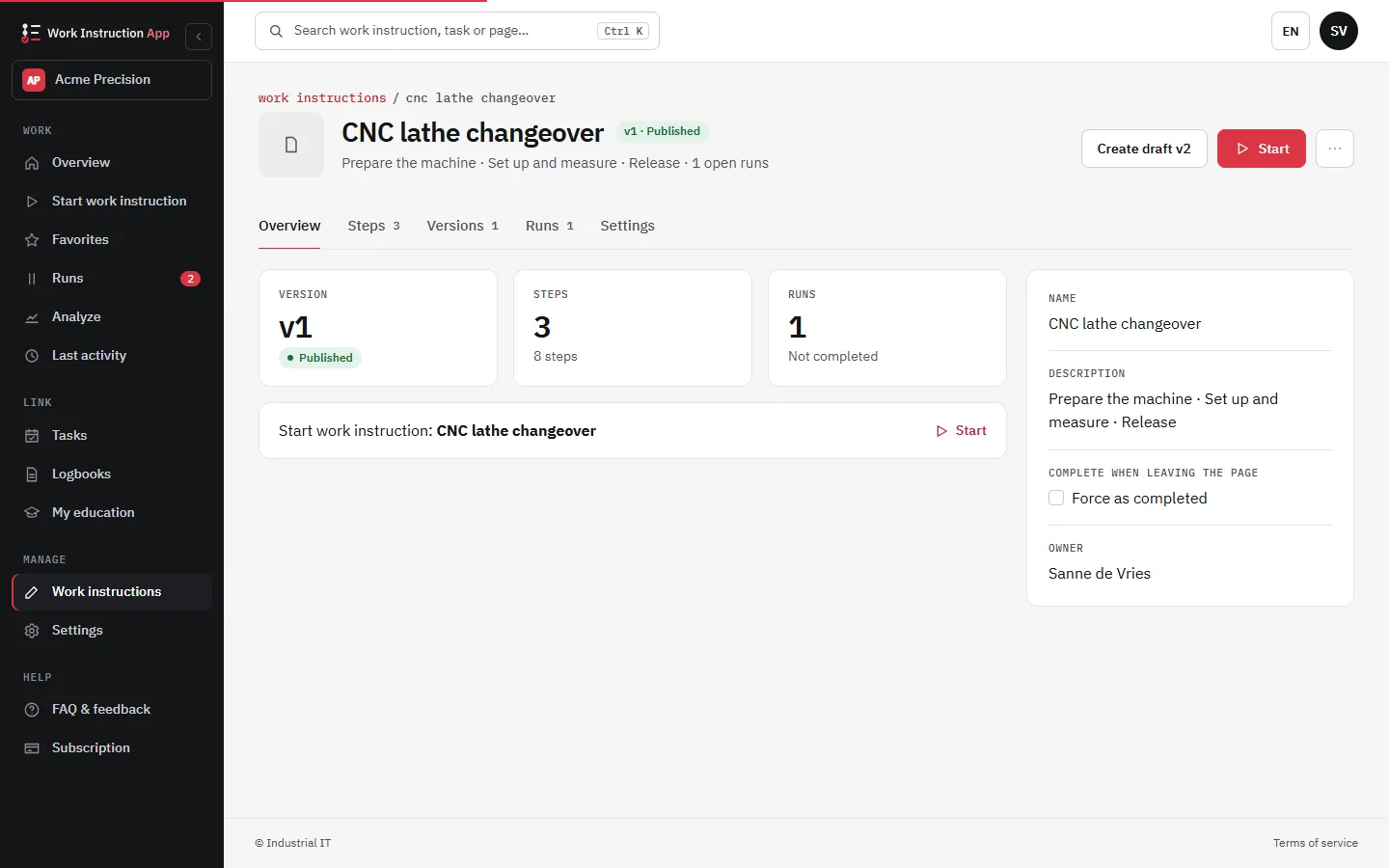
Change work instructions in a secure manner
Automation can quickly change work processes. Respond to this with centrally managed, up-to-date work instructions. Edit them in 1 place and distribute the up-to-date instructions directly to the shop floor.
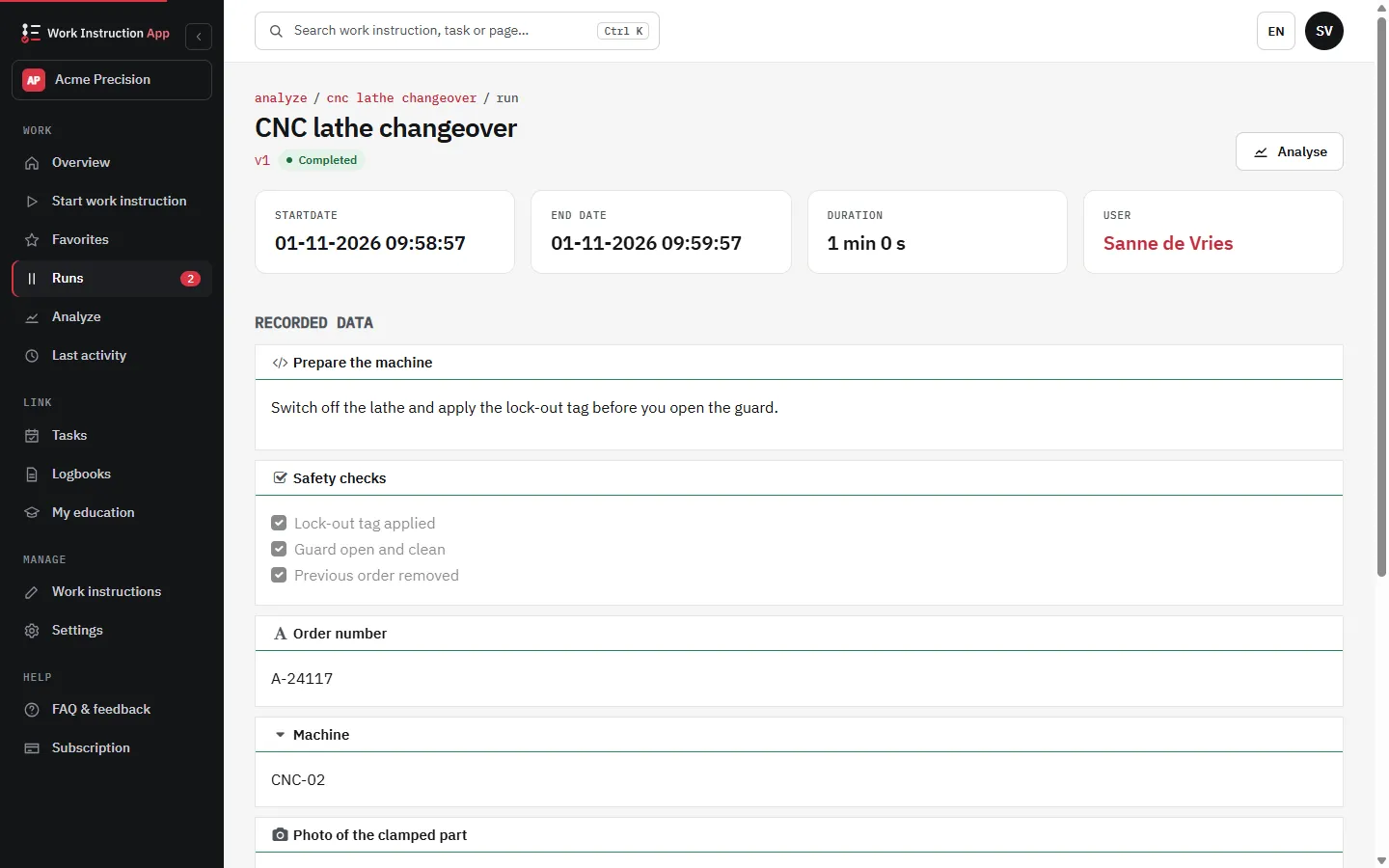
Track your actions
Trace all your actions that you perform. By logging your actions you can prove afterwards that you are compliant.
Logistics SOP Software for Inbound & Outbound
Standardize receiving, putaway, picking, packing, and loading with visual SOPs and step-by-step checklists. Ensure each task is executed the same way across shifts and sites, so quality scales with your volume-not with training time.
- Receiving & Putaway: barcode validation, location checks, damage capture.
- Picking & Packing: guided steps, photo proof, exception handling.
- Loading & Dispatch: seal numbers, BOL attachment, handover confirmation.
Explore related features: Checklists, Standard Operating Procedure.
Key outcomes
- Fewer mispicks & rework
- Faster onboarding of temp workers
- Consistent execution across shifts
Cut Mispicks & Speed Up Onboarding
Guide workers through critical checks at the exact moment of work. Visual steps, required confirmations, and barcode scans reduce guesswork and prevent common errors during peak season.
- Visual checks: images/video clarify the "right way" instantly.
- Mandatory confirmations: stop errors at the source with required steps.
- Role-based flows: tailor steps for new hires vs. experts.
Onboarding toolkit
Use the Skills Matrix to track who's trained, certified, and audit-ready.
Compliance & Audit Trail
Every action is logged with user, timestamp, version and optional attachments. Export the runs to Excel or CSV, or print a run as PDF, to show customers and regulators what was done.
Version control
Track changes and approvals to SOPs before they reach the shop floor.
Evidence capture
Photos, notes, signatures, and barcodes at key steps for proof of work.
Export to Excel or CSV
Export the runs of a work instruction per period, or print a single run as PDF for an inspection or a customer visit.
Works with Your WMS/ERP
Run standalone or alongside your existing stack. Trigger SOPs via QR/NFC or barcode, and sync results to your systems. Teams commonly pair Work Instruction App with WMS/ERP workflows and handhelds.
Practical features
- Photo & video in work instructions
- QR or NFC triggered SOPs
- Version control & approvals
Device support
- Handheld scanners & tablets
- Mobile & desktop browsers
- Keeps working when the connection drops during a run
Warehouse Use Cases
- Cross-docking & staging
- Value-added services (kitting, relabeling)
- Cycle counting & stock adjustments
- Returns & refurbishment
- Cold chain handling
- Hazmat/ADR compliant steps