


Skip to content

SOP & work instructions for your industry

Last updated:

Standardize processes, reduce errors, and accelerate onboarding with visual SOPs across Manufacturing, Logistics, Pharmaceuticals, Materials, and Rental.

Teams using digital SOPs across multiple industries

Explore industries

Factory operator following a digital work instruction

Manufacturing

Reduce defects and changeover time with visual SOPs, skills matrices, and line-side QR/NFC access.

Learn more

Standardize your logistics with SOP

Logistics

Standardize inbound/outbound checks and reduce mispicks with guided checklists and traceability.

Learn more
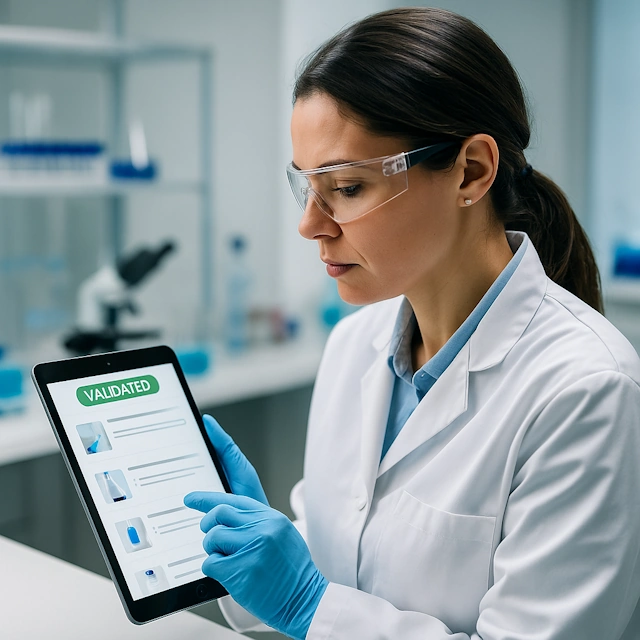
Pharma lab technician using validated SOP

Pharmaceuticals

GxP-ready SOPs, version control, and audit trails to support validation and compliance.

Learn more

Materials processing operator with digital checklist

Materials

Improve consistency in batching, quality checks, and maintenance with step-by-step SOPs.

Learn more
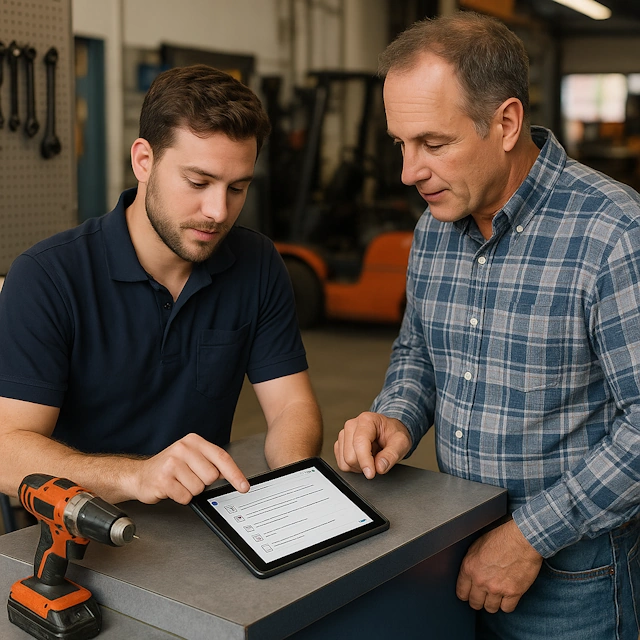
Rental check-out and check-in SOP

Rental

Standardize check-out/check-in, reduce damage claims, and enable NFC tags per asset.

Learn more

Frequently asked questions about industries

Every organisation with repeatable work benefits, but the return is highest where errors are expensive or regulated: manufacturing (changeovers, quality checks, maintenance), logistics (receiving, picking, shipping), pharmaceuticals and food (GMP, HACCP, batch records), materials handling and equipment rental (inspections, check-out and check-in).

Yes. The app is industry-neutral: steps, photos, videos, checklists, forms and QR or NFC access work the same in healthcare, construction, retail, facility services, energy or installation companies. The industry pages only show typical examples.

No. You create one procedure, translate it if needed and publish it to every location. Version control makes sure all sites work from the same current version, while company divisions keep their own users and settings.

Pick the five to ten procedures that cause the most errors or questions, build them with the operators at the workstation, attach a QR code or NFC tag to the machine and run two weeks in parallel with paper. The getting started guide walks you through the first instruction.

Related pages

Try the Work Instruction App for free

Create your first digital work instruction in minutes. 30-day free trial, no credit card required.

Start your free 30-day trial

No credit card · Cancel any time · Live in 5 minutes