



Digital work instructions for the food industry
Last updated:
Digital work instructions for the food industry turn cleaning instructions, hygiene checklists, allergen changeovers, line clearance and HACCP checks into steps on a phone or tablet at the line. Operators confirm each check, enter temperatures and take photos as proof, and every run is stored with user, time and version, so you can show an inspector what was done.
In food and beverage production, a skipped cleaning step or a missed allergen check can end in a recall. Clear instructions at the line and a record of every check keep food safety from depending on memory.
With the Work Instruction App you write your cleaning, changeover and inspection procedures once, with photos of your own line, and publish them as work instructions. Operators open the right one by scanning a QR code at the machine and work through it step by step, also when they are new or temporary.
What it looks like in the app
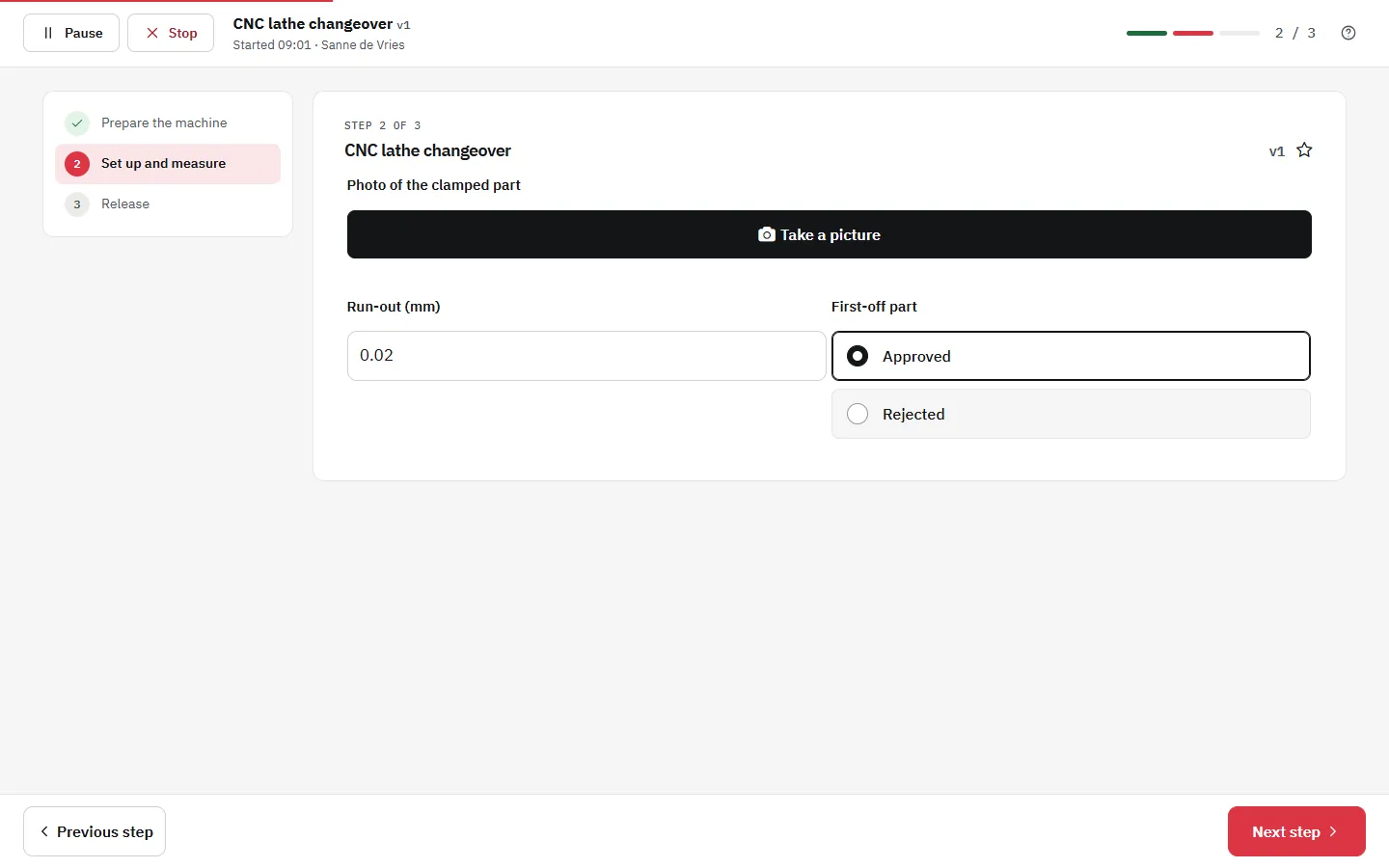
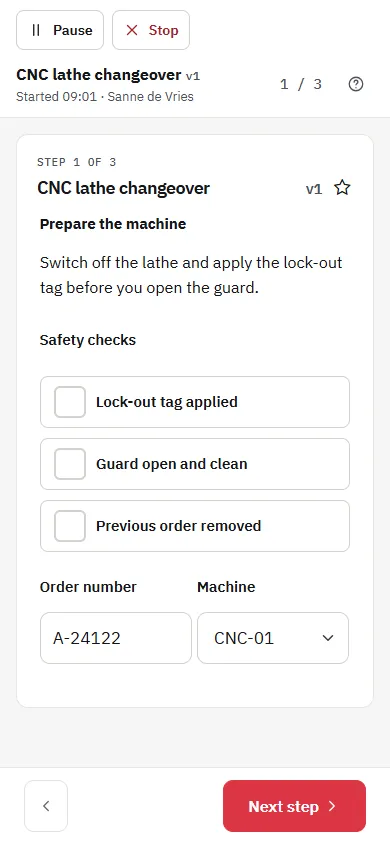
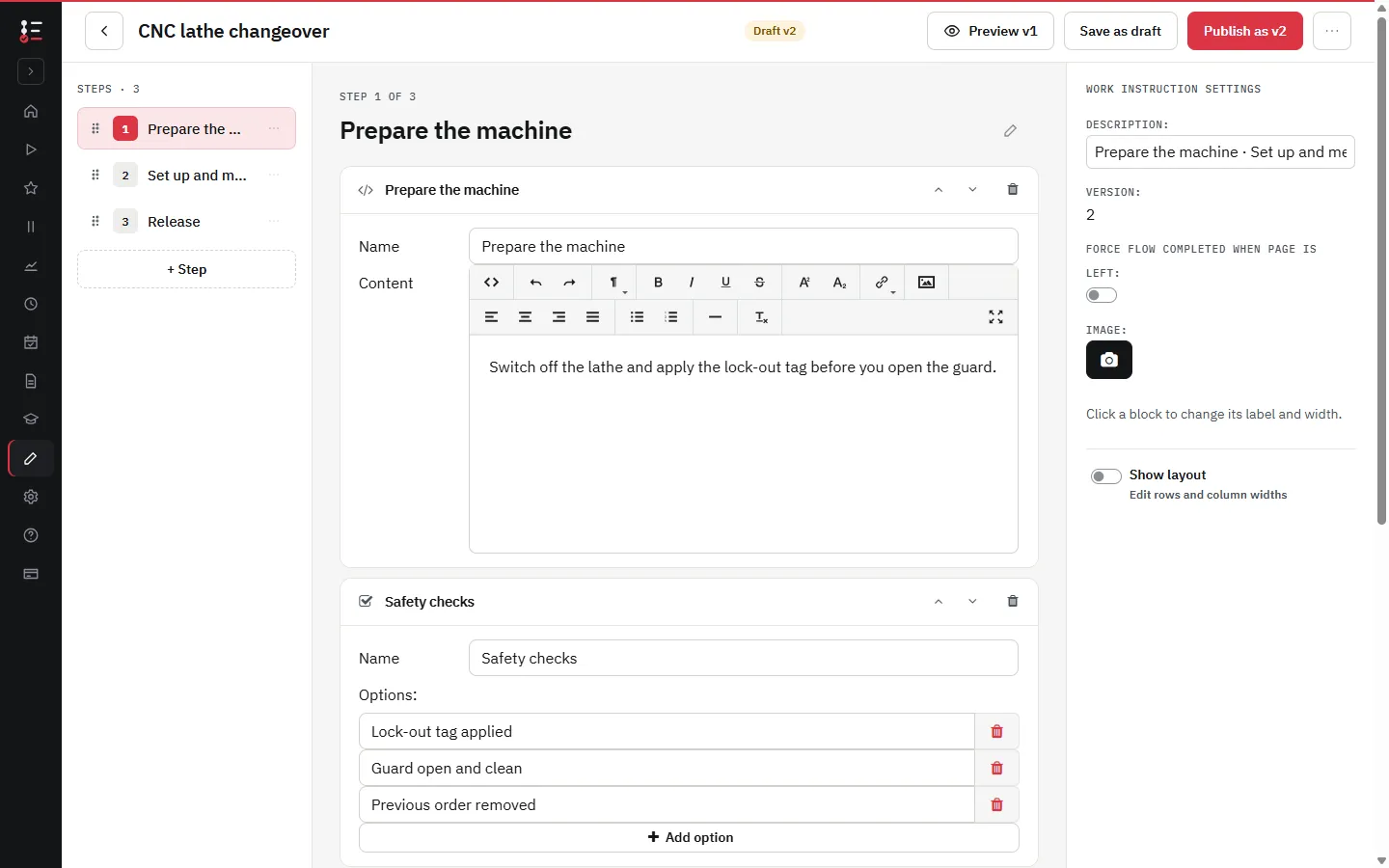
Cleaning instructions and hygiene checklists
Describe each cleaning task per machine as steps: what to dismantle, which agent at which concentration, the contact time, rinsing and the visual check afterwards. A photo of the clean result shows everyone what clean looks like.
- Checkboxes per cleaning point, marked as required, so Next only works when every point is confirmed
- A photo block for proof of the cleaned parts, taken with the phone or tablet
- A signature at the end of the cleaning, stored with the run
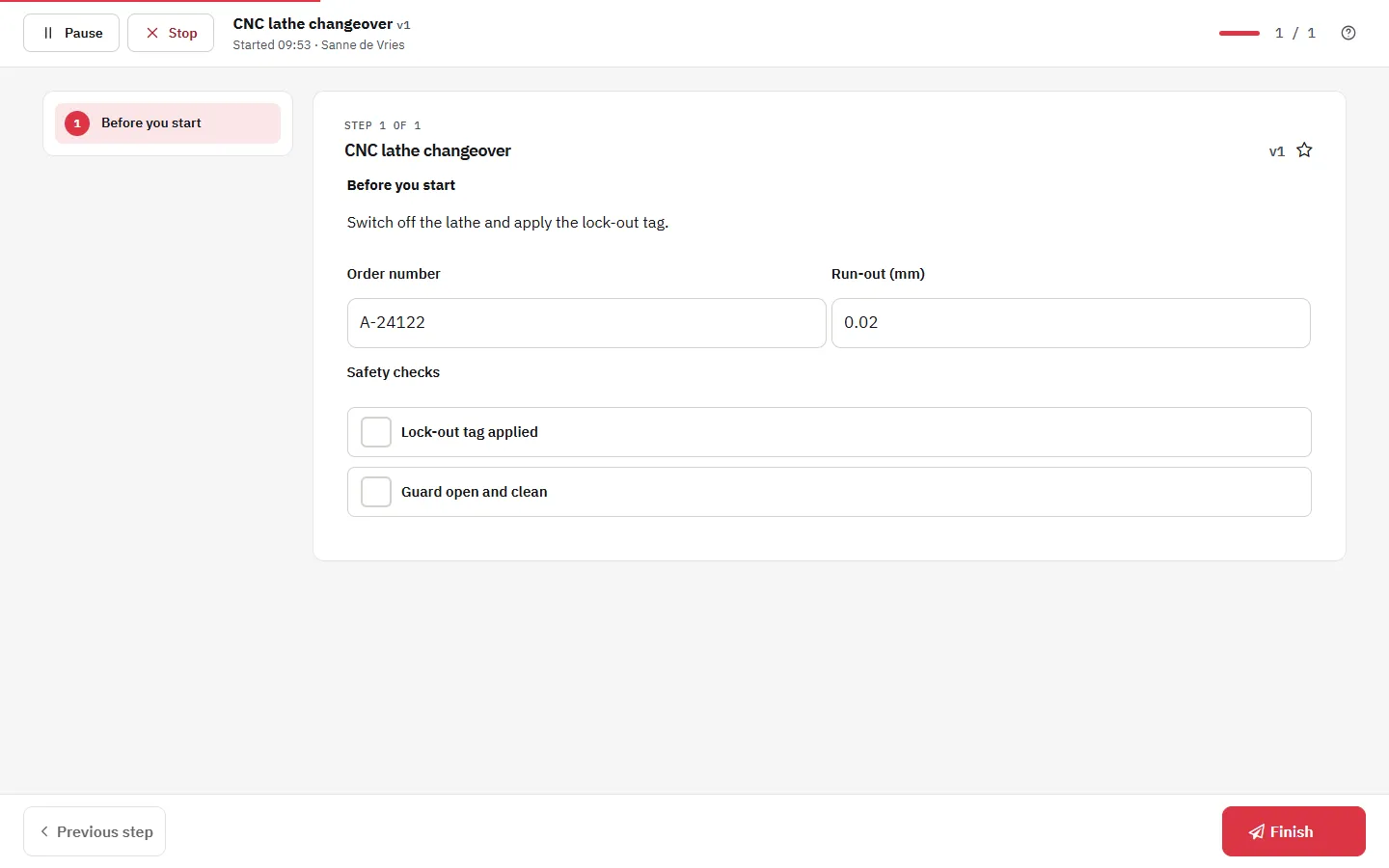
Allergen changeover without skipped steps
When a line switches from a product with an allergen to one without, the order matters: remove product and packaging, clean, inspect, and only then release the line. Put that sequence in a work instruction and make the checks required, so nobody finishes the changeover with a check left open.
- Each step shows the area to clean with a photo of your own line
- A selection field for the allergen of the previous and the next product
- A required training block: a colleague without the certificate for that job profile cannot carry out the changeover (see the skills matrix)
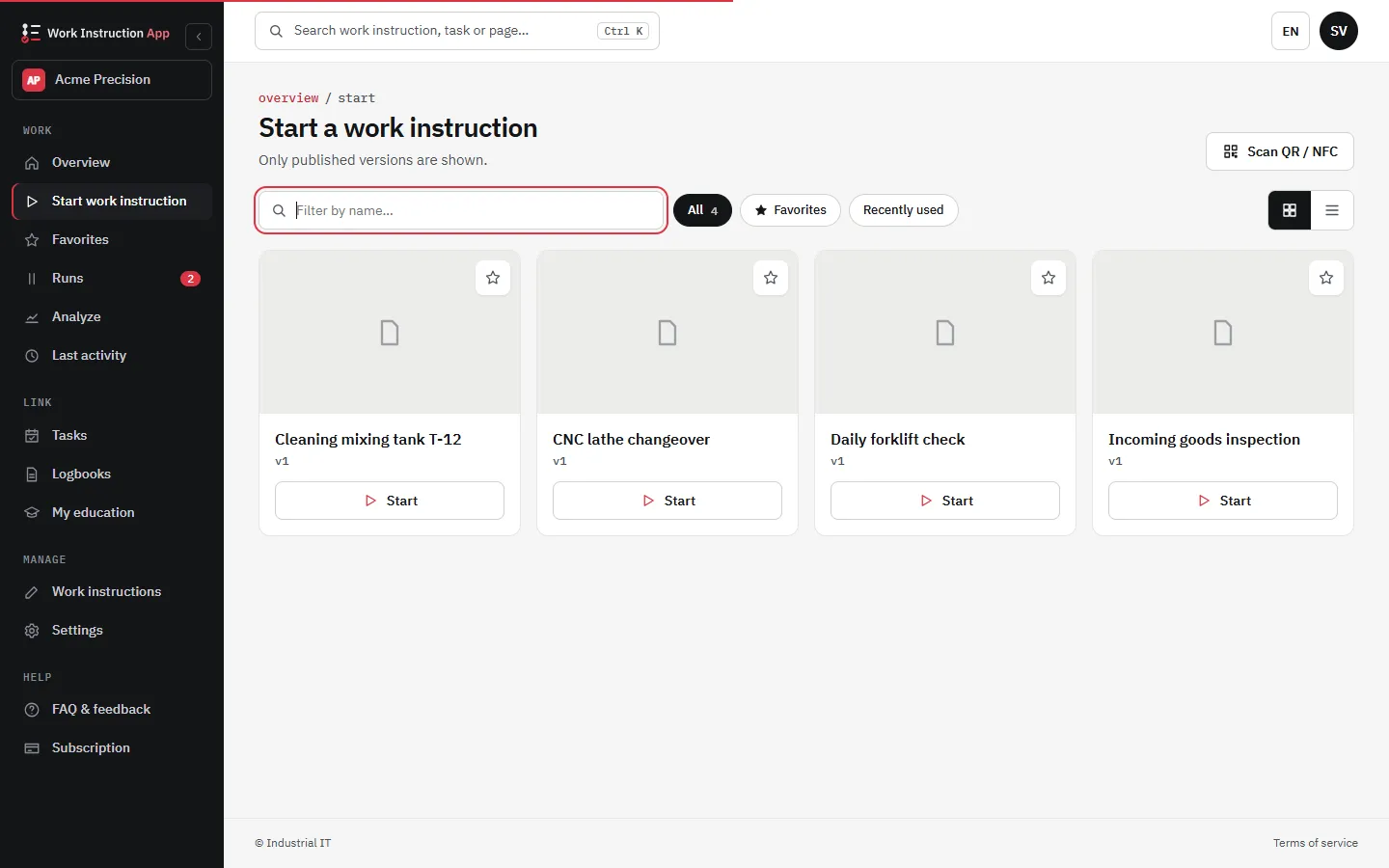
Line clearance and label check
Before a new batch starts, the line has to be free of the previous product, its labels and its packaging. A QR code at the line opens the line clearance as a checklist: a confirmation per zone, a photo of the empty line, the batch number and a check of the label on the first products.
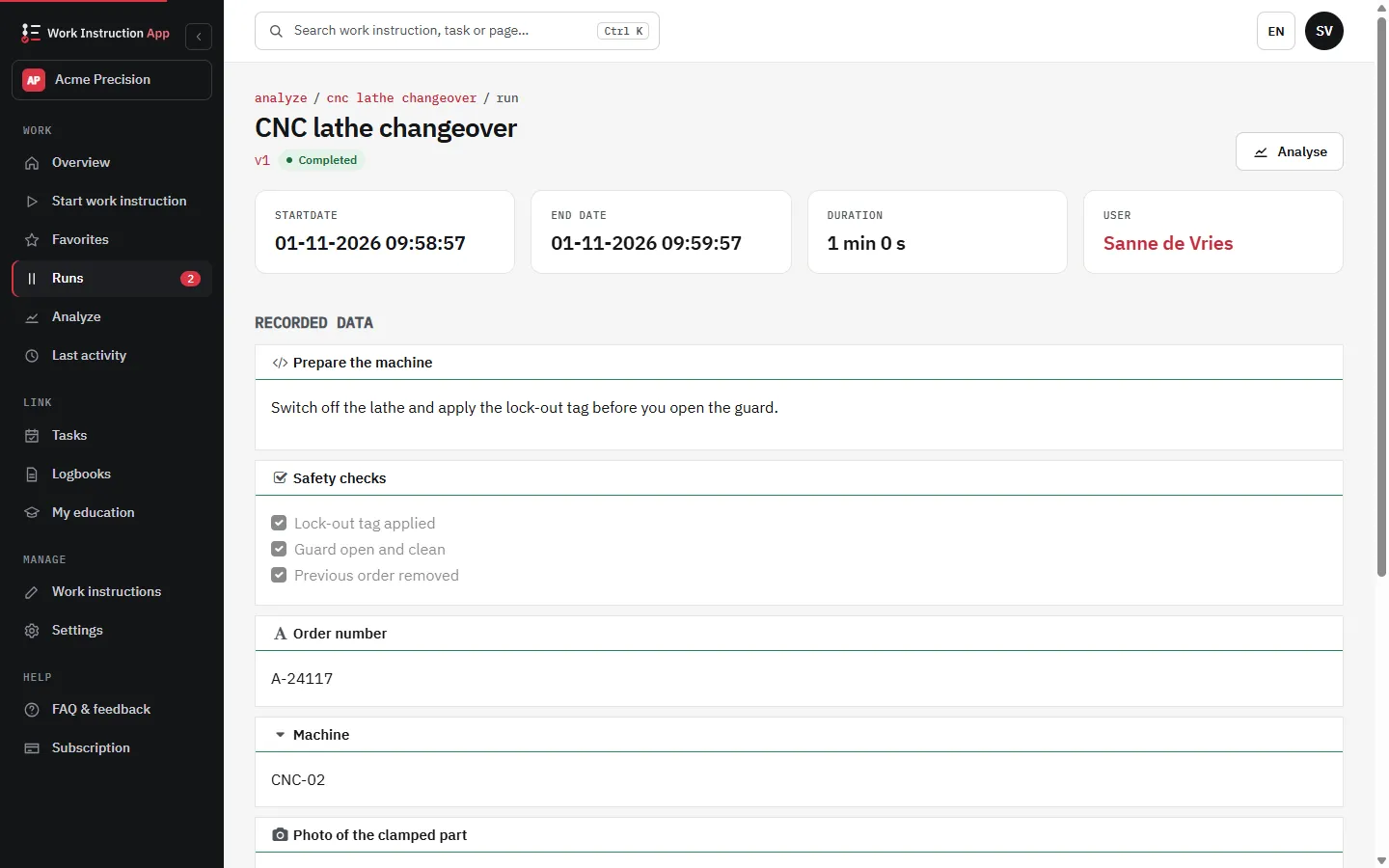
HACCP checks with values and corrective actions
Record core temperatures, cooling times and other control values in number fields. Give the field a minimum and maximum: a value outside the range stops the run until it is corrected, and the corrective action in the same step tells the operator what to do. You set the limits and review the records yourself.
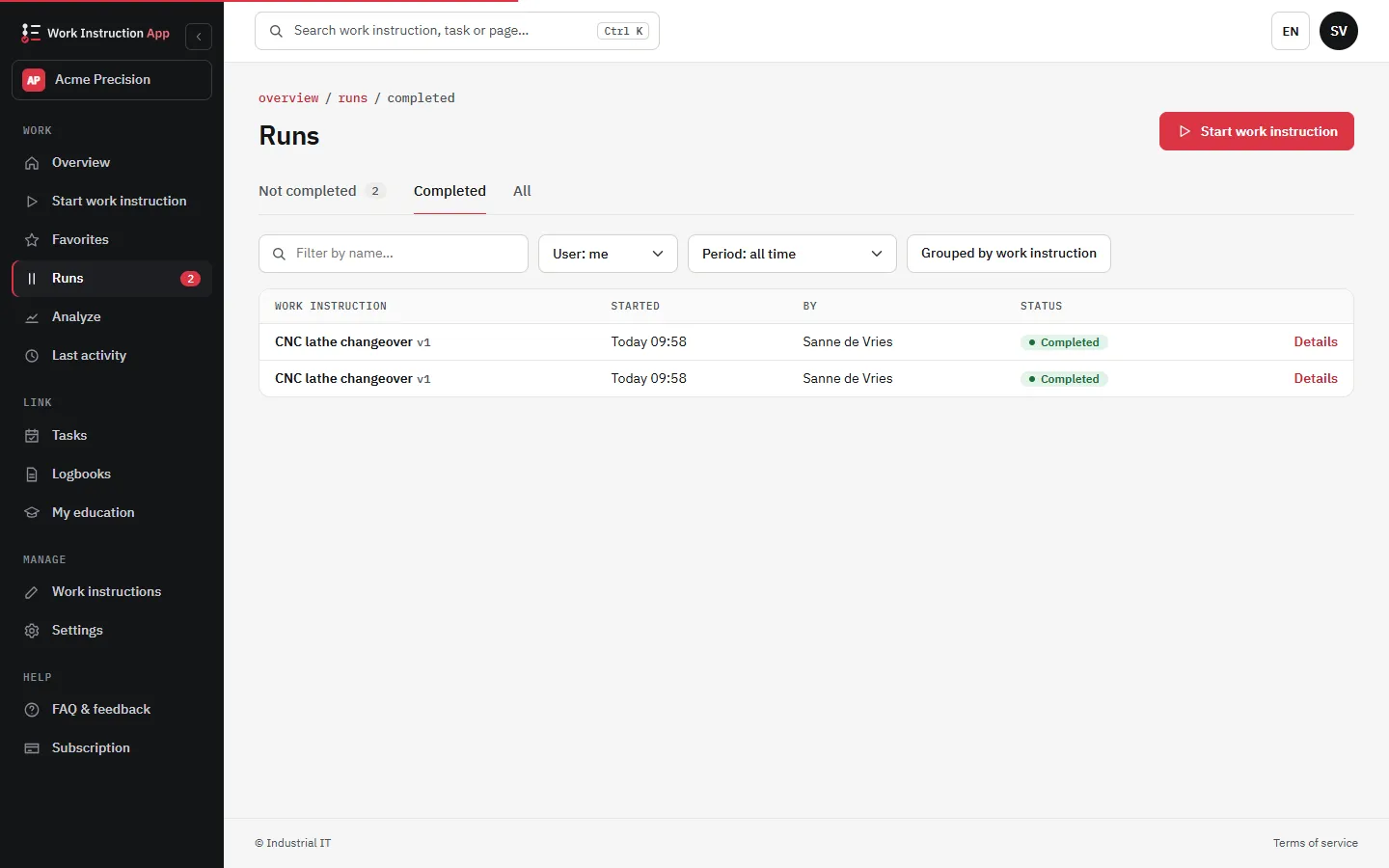
Records ready for an inspection or audit
Every completed run is stored with the user, the start and end time, the version of the instruction and every answer, photo and signature. Filter the completed runs by work instruction, user and period to show an inspector or a customer auditor what was cleaned and checked, and by whom.
- No more searching through folders of paper lists
- Older versions of an instruction stay traceable after a change, see version control
- A paused run reopens at the page where it was paused, with all answers kept
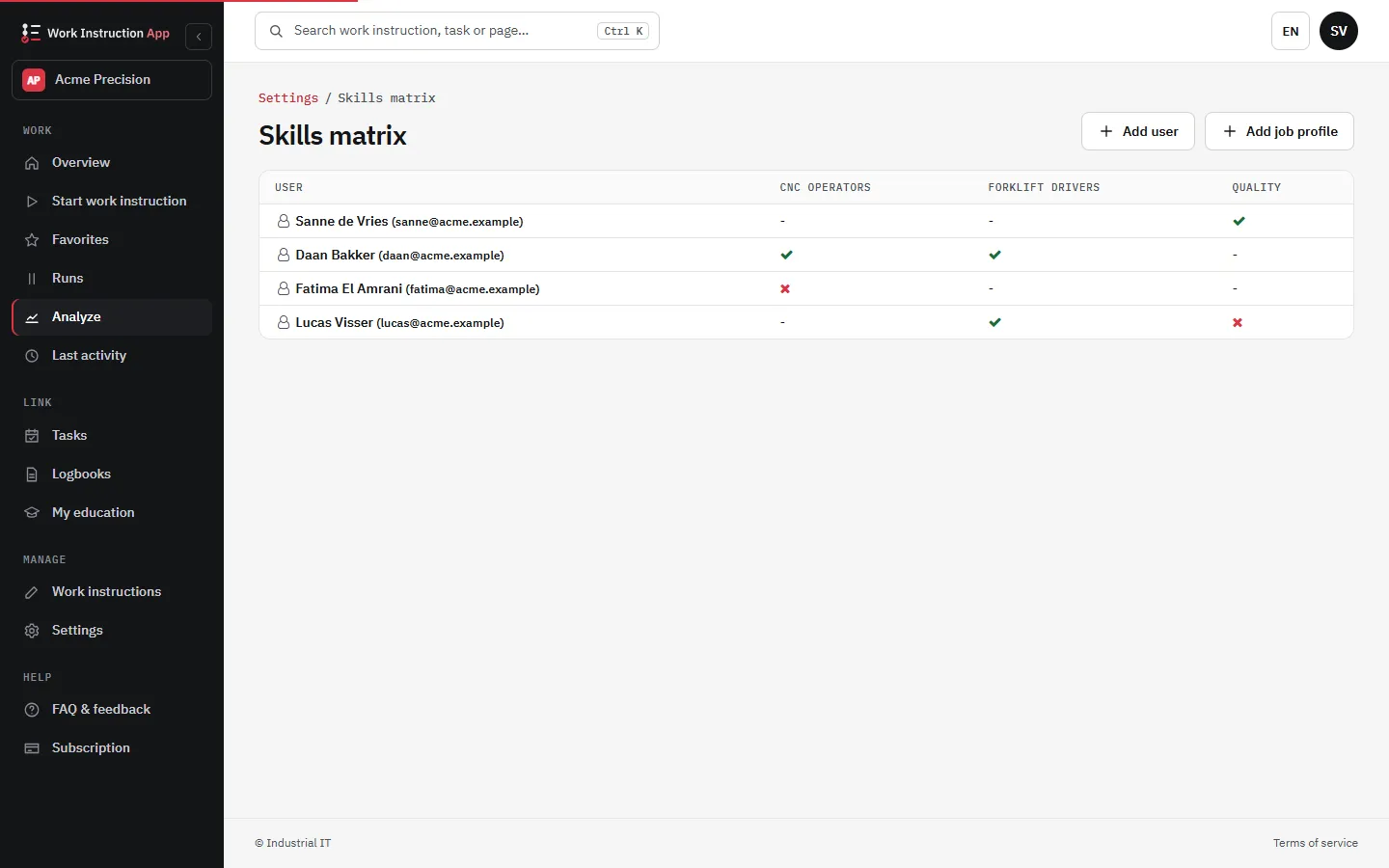
New and seasonal staff work to the same standard
Food plants often work with seasonal and temporary staff. Photos and short videos per step explain more than a long text, and courses linked to work instructions show in the skills matrix who has been trained for which task.
Typical work instructions in a food plant
Before production
- Start-up hygiene check of the line and the changing room
- Line clearance with a photo of the empty line
- Allergen changeover with required checks
During and after production
- CCP checks such as core temperature, cooling and the metal detector test
- Label check on the first products of a batch
- Cleaning and disinfection per machine at the end of the shift
Frequently asked questions about work instructions in the food industry
Sources
Try the Work Instruction App for free
Create your first digital work instruction in minutes. 30-day free trial, no credit card required.
No credit card · Cancel any time · Live in 5 minutes