



Rental SOP Software
Last updated:
SOP and inspection software for rental standardises check-out, check-in and safety inspections of rental equipment. An NFC tag or QR code on each machine opens its inspection, the employee records condition with checks, photos and a signature, and every inspection is stored per asset, which makes damage disputes and maintenance history easy to settle.
In equipment and tool rental, clear work instructions and up-to-date asset information are essential to lower risk, speed up turnaround, and protect margins.
Use the Work Instruction App to standardize rental processes from check-out to check-in. Capture expert knowledge in Standard Operating Procedures (SOPs) to onboard new staff quickly and keep service quality consistent across branches and temporary workers.
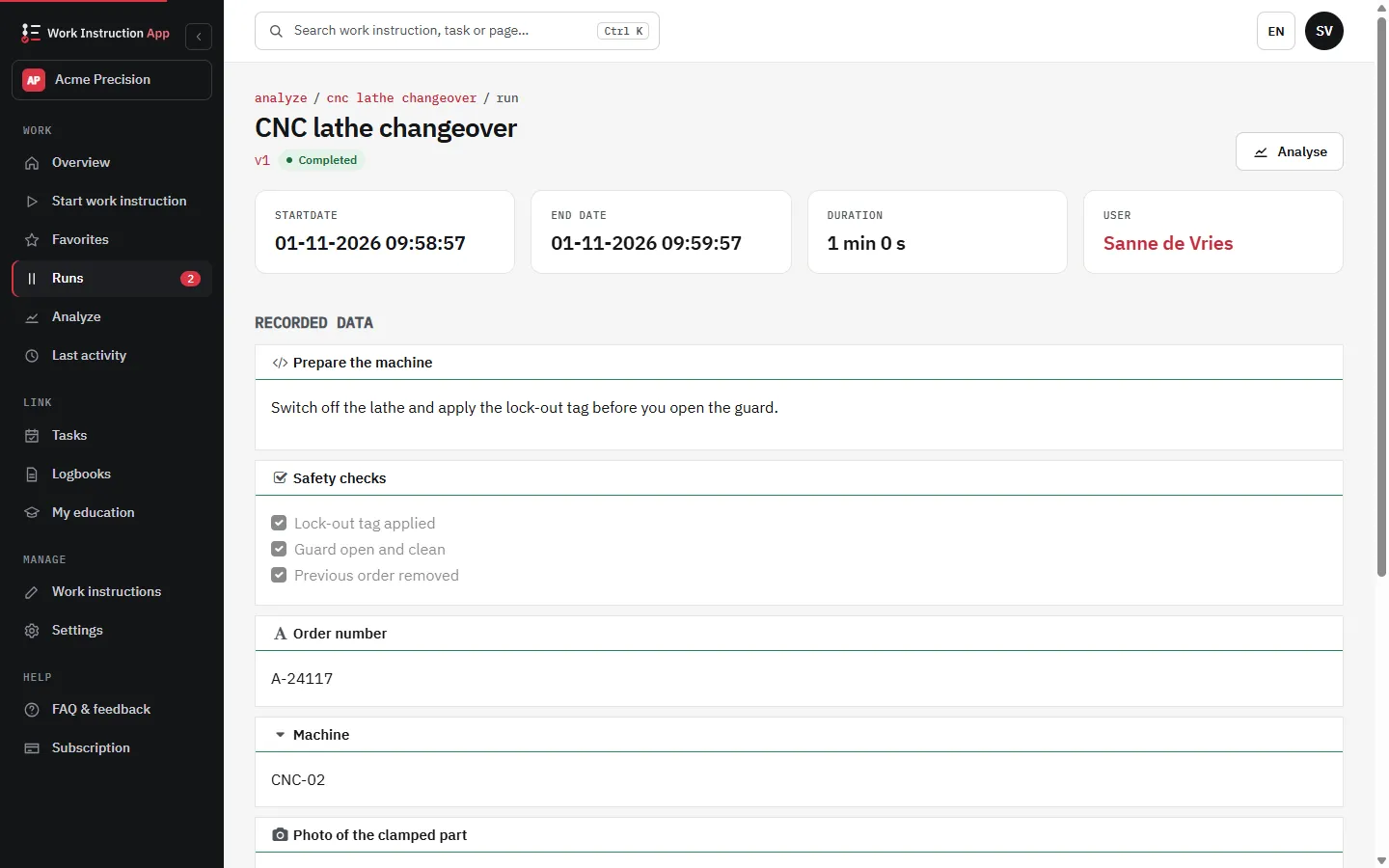
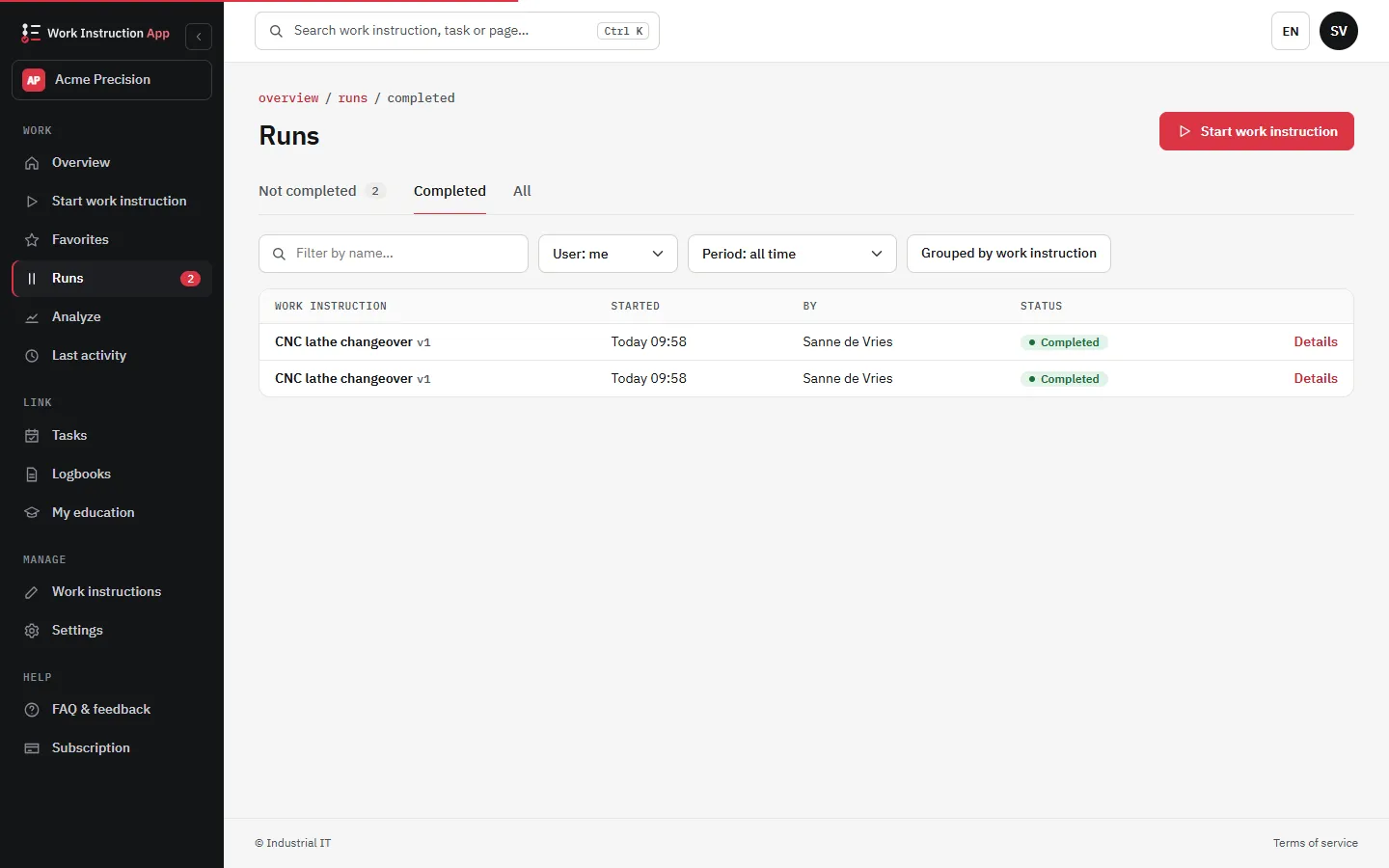
What it looks like in the app
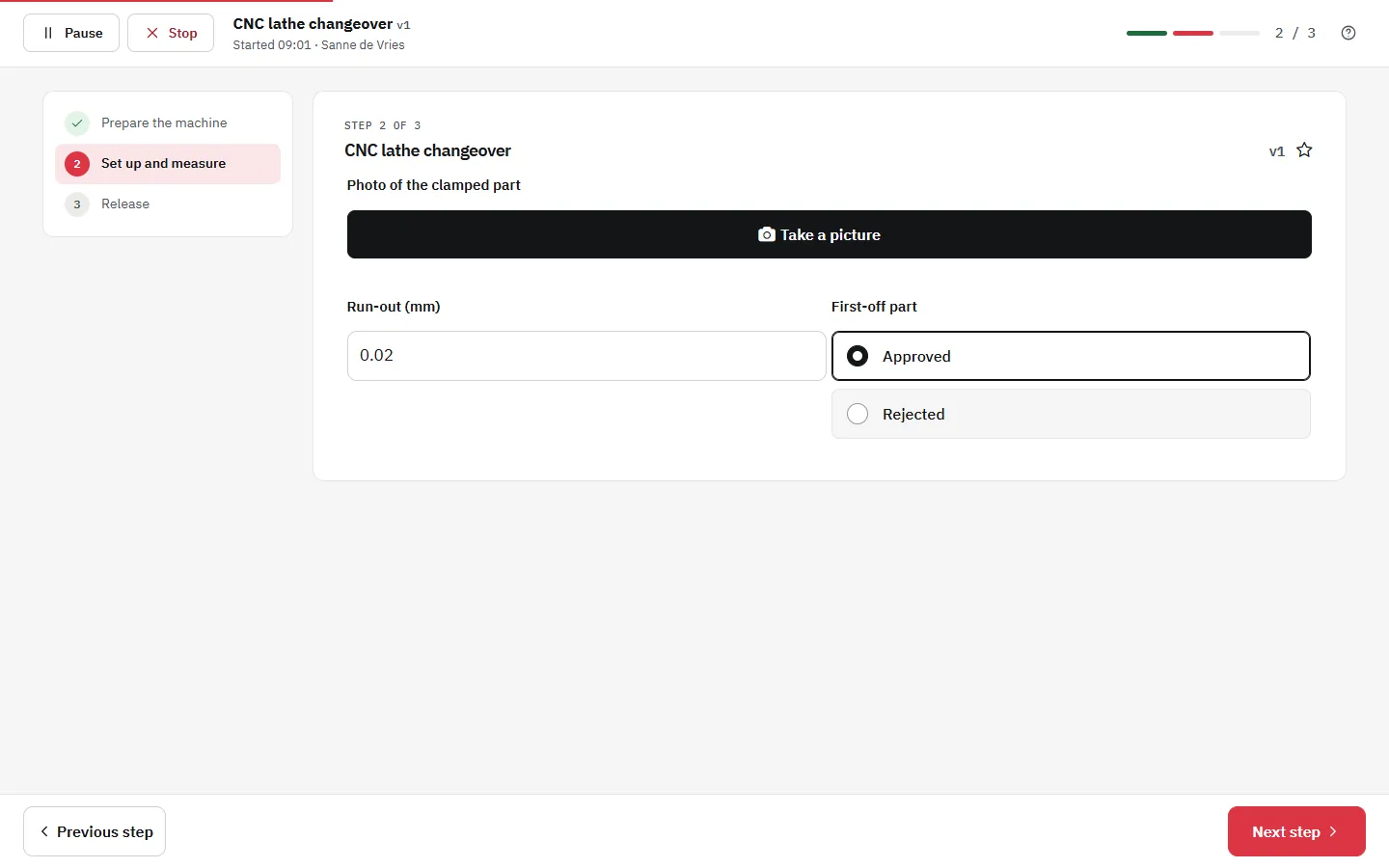
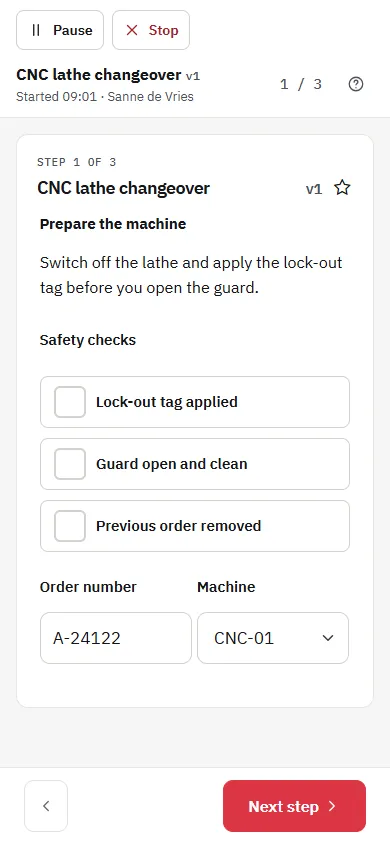
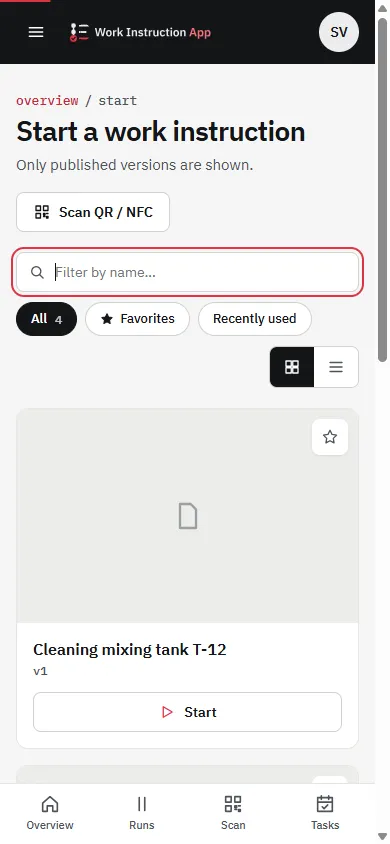
Standardize check-out & check-in
Provide the latest work instructions at the counter and in the yard to eliminate variation between shifts and branches. Create SOPs for pre-rental inspection, hand-over, customer briefing, and return inspection to reduce damage disputes and turnaround time.
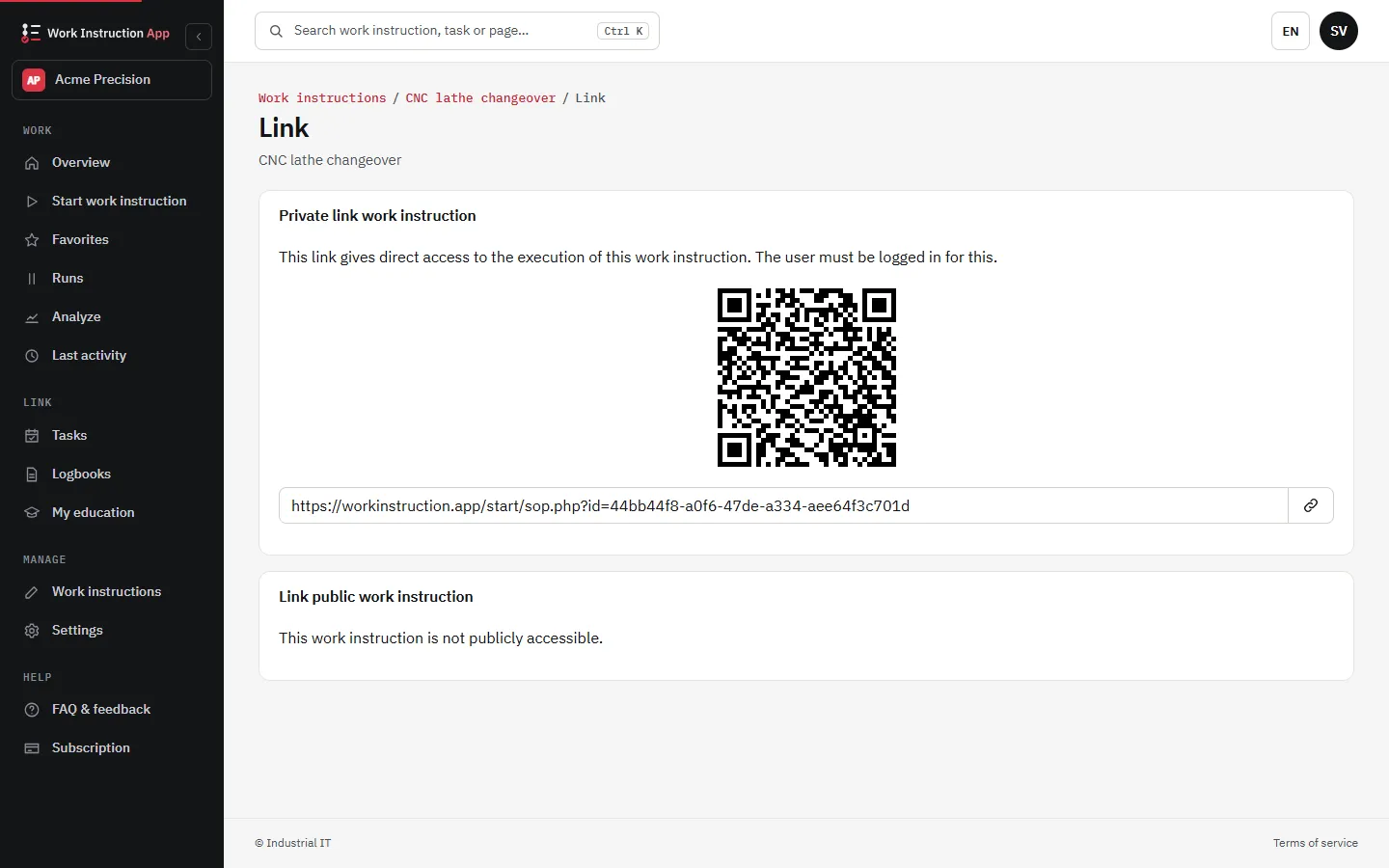
NFC-enabled equipment
Attach an NFC tag to each asset. When a user scans the tag with a phone, they instantly see the equipment's digital manual, LMRA (Last Minute Risk Analysis), maintenance instructions, safety checks, and troubleshooting steps-always the correct version for that specific machine.
This reduces misuse, improves safety, and ensures renters and technicians have the right information on site.
Safety, compliance & fewer errors
Guide renters and staff with clear, visual instructions and mandatory LMRA steps before operation. Use poka-yoke style SOPs to make wrong setups unlikely and to document exactly what was checked and by whom-helpful for audits and damage claims.
Maintenance & traceability
Keep preventive maintenance instructions up to date and linked to each asset. Track who performed which task and when, and publish changes as a new version, so the field team and customers always see the latest version. Full traceability supports uptime, warranty claims, and regulatory compliance.
What you get
Faster turnaround
Clear, step-by-step instructions for inspection, hand-over, and return reduce waiting times and idle assets across branches and shifts.
Fewer errors & disputes
Mandatory checks and photo evidence at critical steps cut damage disputes and misuse while keeping documentation consistent.
Traceable execution
Log who did what and when, including notes and attachments. Version awareness supports audits, warranty claims, and internal reviews.
Typical rental workflows
Check-out
- Pre-rental inspection (photos, damage, accessories)
- Customer briefing (PPE, LMRA, safe use tips)
- Documentation: serial number, meter reading, attachments provided
Check-in
- Return inspection with photo evidence
- Cleaning / minor service per SOP before next availability
- Stage with correct accessories and charge/fuel level
QR/NFC at the point of use
Attach a QR or NFC tag to each asset that links to a unique page. Staff and customers open the correct digital manual, LMRA, and inspection checklist for that exact serial number-on any device.
- Unique deep-links per asset
- Always the latest version visible
- Mobile and desktop friendly
Suggested contents per asset page
- Quick start & safety (LMRA)
- Daily/weekly inspection checklist
- Troubleshooting & contact info
- Accessory list & consumables