In short: choose SOP software on how it works on your shop floor, not on the length of the feature list. The twelve requirements that matter are: easy authoring, mobile execution, QR or NFC at the workplace, version control, required fields and evidence, run records with an audit trail, training and a skills matrix, integrations (API, SSO), languages, hosting and data location, a clear pricing model and a real trial. Use the checklist table below for every vendor, and test with your own tasks before you sign.
Why do SOP software selections go wrong?
Most selections fail for the same reason: the software is chosen by the people who write procedures, but it has to be used by the people who do the work. A system with excellent document management that takes six taps to open an instruction on a phone will end up next to the laminated sheet, not instead of it. The second common reason is buying for every possible future need and paying for modules nobody uses. Start from the problem: why your company needs standard operating procedures in the first place, and which tasks hurt most today.
What are the 12 requirements?
1. Ease of authoring
The people who know the task (team leaders, process engineers, experienced operators) must be able to build an instruction without training or IT help. Ask the vendor to let you build one of your own instructions in the demo, not watch a prepared one. Check how easy it is to add a photo taken on a phone, change a step and reorder steps.
2. Mobile execution
Operators follow instructions on a phone, tablet or a PC at the workstation. Test the screen they will see: is one step readable without zooming, are buttons large enough for gloves, does a long instruction stay manageable? Ask which devices and browsers are supported and whether an app is needed.
3. QR codes or NFC tags at the workplace
Instructions must open where the work is done. Scanning a QR code or NFC tag on a machine or location should open the right instruction directly, without searching. Ask how codes are generated and printed, and whether the same instruction can be found by search as well.
4. Version control
Every change must create a new version, the current version must be the only one people can follow, and older versions must stay traceable. Ask what happens to runs that started on the old version, and who can publish.
5. Required fields and evidence
A digital instruction should be able to ask for a confirmation, a measured value, a photo or a signature, and refuse to continue when a required answer is missing. This is the difference between a document on a screen and an instruction that leaves evidence. Check which input types exist and whether limits can be set.
6. Run records and audit trail
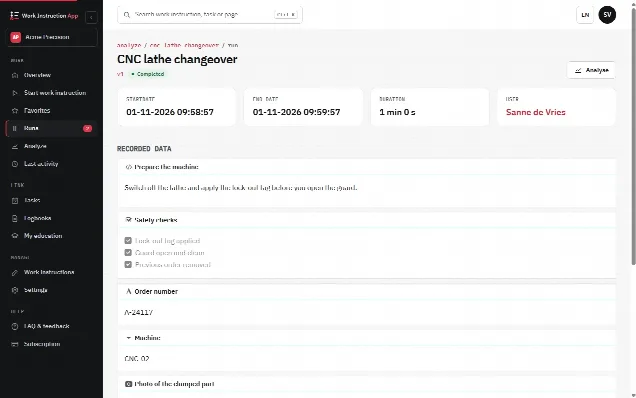
For every execution you want to know who did it, when, how long it took, which version was used and what was answered. Ask how you find and filter those records later, and whether they can be exported. If you work in an FDA-regulated environment, compare the vendor's audit trail and electronic signatures with the FDA rule for electronic records and signatures, 21 CFR Part 11; remember that compliance also depends on your own validation and procedures.
7. Training and skills matrix
Instructions and training belong together: a new operator learns the task with the same instruction they will later follow. Ask whether you can link instructions to courses or job profiles, record who completed which training, and see that in a skills matrix.
8. Integrations, API and single sign-on
Check which integrations actually exist today, not which are "on the roadmap". A documented REST API lets your own IT connect other systems. Single sign-on with your identity provider saves passwords and makes leavers easy to remove.
9. Languages
Separate two questions: in which languages is the software interface available, and how do you handle the content of instructions for multilingual teams? Ask whether content is translated automatically or written per language, and how photos and video reduce the need for text.
10. Hosting and data location
Ask where the data is stored, under which jurisdiction, whether customers share a database, how often backups are made and how you get your data out when you leave. For European companies, the location and the processing agreement matter for the GDPR.
11. Pricing model
Per user, per site or an enterprise licence: each fits a different situation. Ask what an operator who only follows instructions costs compared with an author, whether there are setup fees, and what happens when you add users. Calculate the price for your real number of authors and operators over three years.
12. A real trial
A trial should let you build your own instructions and use them on the floor for a few weeks, without a sales call for every step. Be wary of trials that only offer a prepared demo account.
Which checklist can you use for any vendor?
Copy this table and fill in one column per vendor. Score each requirement 0 (missing), 1 (partly) or 2 (fully, tested in the trial). Weigh the requirements that matter most for your situation.
| Requirement | Ask the vendor | Test in the trial | Score 0-2 |
|---|---|---|---|
| Ease of authoring | Who builds instructions at your other customers? | A team leader builds one real instruction without help | |
| Mobile execution | Which devices and browsers are supported? | An operator follows it on the device at the workstation | |
| QR / NFC | How are codes created and linked? | Scan a code on a machine and land on the right instruction | |
| Version control | What happens to the old version after publishing? | Change a step, publish, check that the old version is traceable | |
| Required fields and evidence | Which input types exist? Can a block be required? | Try to finish without filling in a required value | |
| Run records / audit trail | What is recorded per run? Can I export it? | Find yesterday's runs of one instruction by one user | |
| Training and skills matrix | Can instructions be linked to training? | Assign a course and see the result in the matrix | |
| Integrations, API, SSO | Which integrations exist today? Is the API documented? | Log in with your company account; let IT read the API docs | |
| Languages | Interface languages? How is content handled per language? | Switch the interface language; build one instruction for a multilingual team | |
| Hosting and data location | Where is the data stored? Backups? Exit? | Read the processing agreement and security page | |
| Pricing model | What does a reader cost versus an author? Setup fees? | Calculate three years for your real team size | |
| Trial | How long, which functions, credit card needed? | Run a pilot on one line for two to four weeks |
How do you run the selection?
- Pick three to five tasks that cause the most errors or questions today.
- Make a shortlist of two or three vendors based on the table above.
- Let an author build those tasks in each trial, without vendor help.
- Let operators follow them on the floor and ask what they prefer.
- Check the records afterwards: can you prove who did what, with which version?
- Compare the scores and the three-year price, then decide.
This takes a few weeks, but it is much cheaper than discovering after a year that operators never opened the system. The reasons to go digital at all are covered in why digital work instructions.
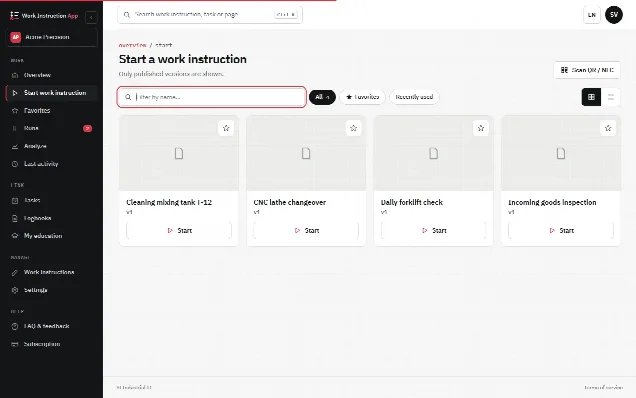
How does the Work Instruction App meet these requirements?
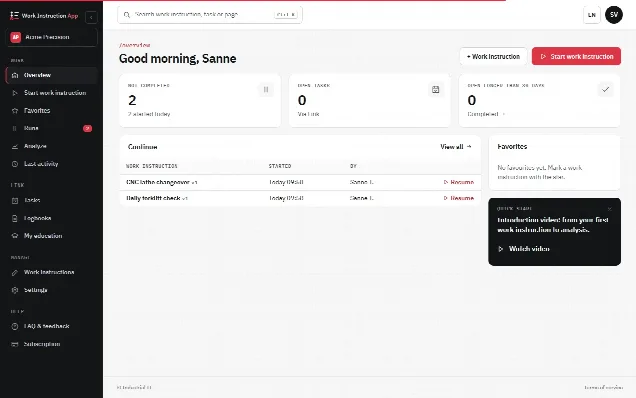
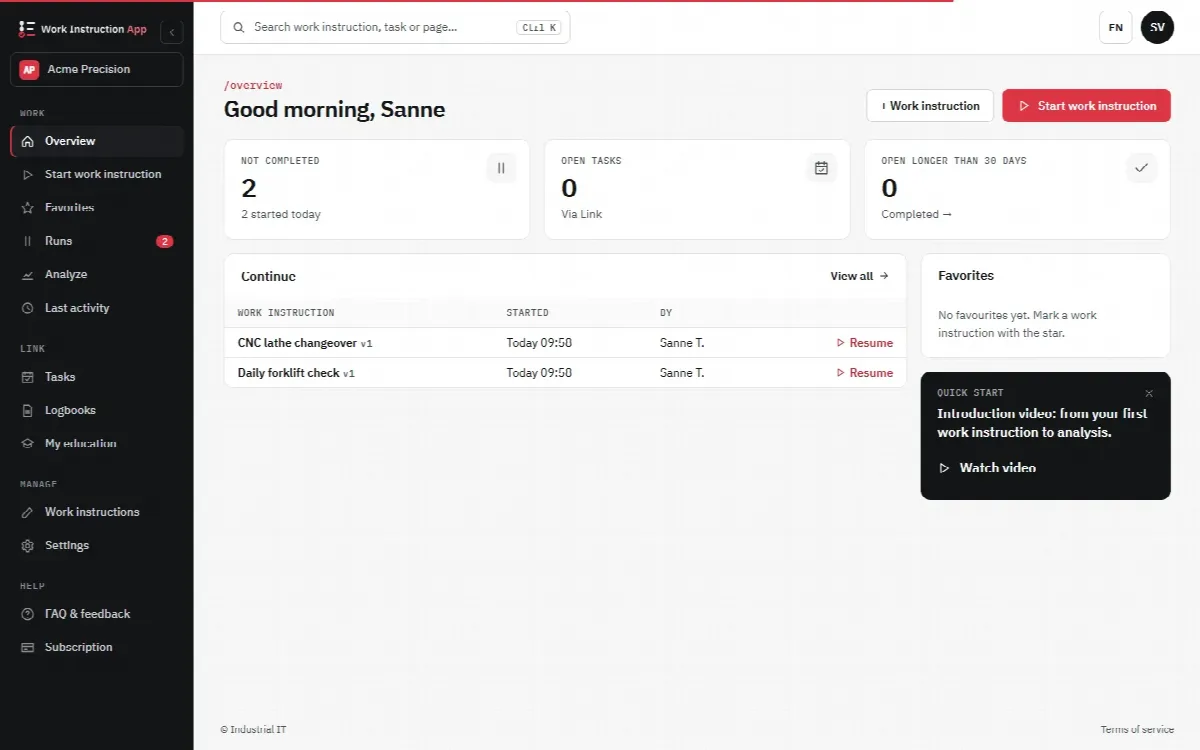
For transparency, this is how our own product compares, in short. Instructions are built in the browser from steps with blocks (text, photos, video, PDF, checkboxes, number and text fields, signatures, barcode scans and more), drafts are saved automatically and Publish creates a new version while older versions stay traceable. Operators open instructions on any phone, tablet or PC with a browser, from the overview, by search, from favourites or by scanning a QR code or NFC tag; an Android app can write NFC tags. Blocks can be required, and every run records the user, start and end time, duration, version and every answer, photo and signature. A number outside its minimum and maximum, a barcode that is not the expected value or an option ticked as deviating marks the run as a deviation. A completed run is final; runs can be searched by an entered value, exported to Excel or CSV and printed per run. Approval required adds a second signer who confirms with their own password, Review required lets a colleague approve a new version before it is published, and the History tab keeps an append-only log of changes. A started run keeps working when the connection drops and is sent once it is back; starting a run needs a connection. Courses, job profiles, certificates and a skills matrix are built in. Integrations are a REST API, Microsoft Entra ID single sign-on and Exact Online. The interface is in English, Dutch and German; the content you write in your own language, without automatic translation. Data is hosted in Europe under Dutch law, with a separate database per customer and hourly backups (see security). Pricing is per user per month, from 5 euro excl. VAT for Execute (see plans), and the free trial runs 30 days without a credit card. All functions are listed on the features page.