In short: a CAPA process turns a deviation into a lasting improvement. You record what went wrong, contain it, find the root cause, decide on corrective and preventive actions, change the work instruction as a new version, train the people who use it and check later whether the problem is really gone. The loop is only closed when the shop floor works differently, not when the form is filled in.
What is the difference between a deviation and a CAPA?
A deviation (or nonconformity) is an event: something did not go as the procedure, specification or instruction says. A label was wrong, a value was out of range, a step was skipped. A CAPA (corrective action and preventive action) is the structured response to it: the investigation and the actions that stop it from happening again.
Not every deviation needs a full CAPA. A one-off typing error that was caught in time may only need a correction. A repeated problem, a deviation with product or safety impact, a customer complaint or an audit finding usually does. The ICH Q10 guideline on pharmaceutical quality systems expects a CAPA system fed by complaints, rejections, nonconformances, deviations, audits and inspections, with an investigation effort that matches the risk. ISO 9001:2015 covers the same idea in clause 10.2 (nonconformity and corrective action).
Correction, corrective action or preventive action: what is the difference?
The three terms are often mixed up. The difference matters, because only one of them deals with the problem itself and the others with its cause.
| Term | What it does | Example |
|---|---|---|
| Correction | Deals with the problem that occurred, now | Relabel the 40 boxes with the wrong label |
| Corrective action | Removes the cause, so the same problem does not recur | Add a label check with barcode scan to the start-up instruction |
| Preventive action | Removes the cause of a potential problem elsewhere, before it occurs | Apply the same scan check on the two other packaging lines |
ISO 9001:2015 no longer has a separate clause for preventive action; it is covered by risk-based thinking (clause 6.1). In GMP environments the term CAPA, including the preventive part, is still standard.
How do you close the loop from deviation to work instruction?
The steps below follow a typical CAPA process. The level of detail should fit the risk: a minor deviation may go through them in a day, a serious one takes weeks.
1. Record the deviation at once
Record the deviation as soon as it is noticed, at the place where it happened. Write down what was observed, when, where, which product or batch and who found it. Add a photo when you can: a picture of the wrong label says more than a description. A record made hours later from memory is incomplete and harder to investigate.
2. Contain the problem and correct it
Stop the problem from spreading before you start investigating. Isolate the affected products, stop the line if needed, and carry out the correction. Record what was done and how many products were affected, because the investigation and any customer communication depend on it.
3. Find the root cause
Investigate why the deviation happened, not only what happened. Two simple methods cover most cases:
- 5 why: ask "why?" until you reach a cause you can act on. The wrong label was applied. Why? The roll from the previous order was still in the printer. Why? The changeover instruction does not include removing the label roll. That last answer is a cause you can fix.
- Fishbone (Ishikawa): list possible causes per category, such as man, machine, method, material, measurement and environment, and then test which ones really contributed.
Be careful with "human error" as a root cause. It is rarely the end of the analysis: ask why the error was possible and why it was not detected.
4. Define corrective and preventive actions
Decide which actions remove the root cause and where else the same cause could occur. Give every action an owner and a due date. Prefer actions that make the error impossible or immediately visible (a required scan, a photo check, a physical stop) over actions that rely on attention (a reminder, an extra warning sign).
5. Update the work instruction as a new version
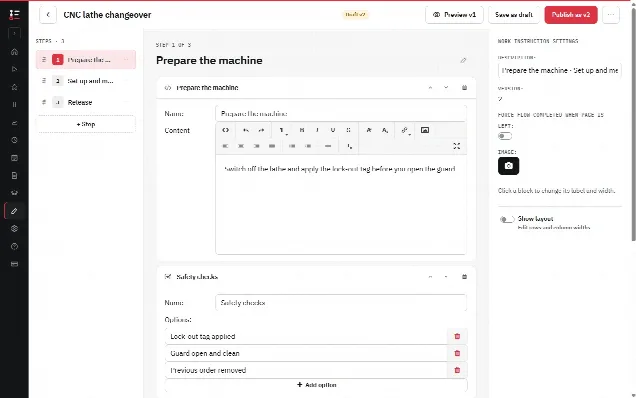
Change the work instruction so the new way of working is the standard. In the example: add a step to remove and store the old label roll, and a required barcode scan of the new label before the line starts, with the operator confirming that the label matches the order. The scan records which label was loaded; the comparison with the order stays a step the operator carries out. Publish it as a new version, so it is clear from which moment the change applies and which runs were done with the old version. Retract the old version and remove any printed copies.
6. Train the change
Make sure everyone who performs the task knows what changed and why. A short explanation at the start of a shift, or a course linked to the new version, is enough for a small change. Record who was trained, so you can show it in an audit and so nobody works from memory with the old method.
7. Check effectiveness and close the CAPA
Check, after an agreed period, whether the deviation has really stopped. Look at the records of the task since the change: is the new step performed, are the scans done, has the problem come back? Only when the evidence shows the action works is the CAPA closed. If not, go back to step 3: the root cause was probably not the real one.
What does a complete CAPA record look like?
Here is the example from this article as one CAPA record. The structure works for most production deviations.
| Field | Example |
|---|---|
| Deviation | Packaging line 2: 40 boxes of order A labelled with the label of the previous order |
| Found by / when | Operator during the line check, shift start |
| Containment and correction | Line stopped, boxes isolated and relabelled, pallet checked |
| Root cause (5 why) | Changeover instruction does not include removing the old label roll |
| Corrective action | New step "remove old label roll" and a required barcode scan of the first label |
| Preventive action | Same steps added to the changeover instructions of lines 1 and 3 |
| Document change | Changeover work instruction published as a new version |
| Training | All packaging operators briefed and trained on the new version |
| Effectiveness check | After 8 weeks: label scan recorded in every changeover, no repeat |
| Status | Closed by the quality manager |
Why do CAPAs fail in practice?
Most CAPA processes do not fail on the form but on the follow-up:
- The root cause stops at "operator error", so the action is "re-instruct the operator" and the problem returns with the next person.
- The procedure is changed, but the work instruction at the machine is an old printout.
- Nobody checks effectiveness, so CAPAs are closed on the date the action was done instead of on evidence.
- Too many CAPAs are opened for minor issues, so the important ones drown.
The common thread is that the change never really reaches the shop floor. That is why the work instruction is the most important output of a CAPA: it is the place where the new standard meets the person doing the work. The basics of a good instruction are covered in how to write a work instruction.
In practice with digital work instructions
In the Work Instruction App you can record deviations with a short work instruction of their own: a selection for the type, a text field for the description, and a photo of the problem as required blocks, plus a location block for where it happened. Every run stores the user and the time, so the deviation record is attributable from the start.
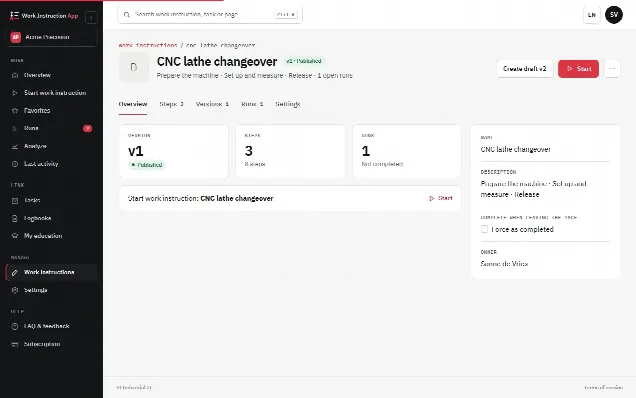
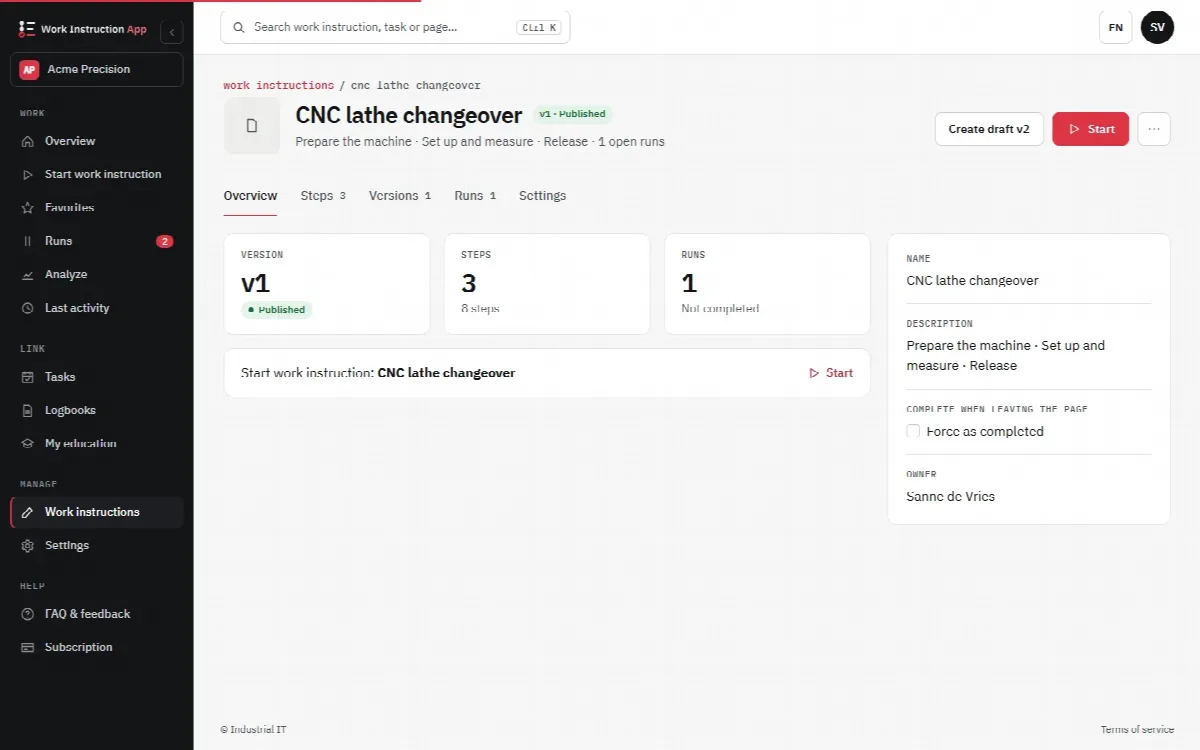
For the change itself, you edit the work instruction as a draft and publish it as a new version (v1, v2 and so on). Older versions stay traceable and every run shows which version was used, as described under version control. To train the change, link the work instruction to a course; when someone completes it they receive a certificate, and the skills matrix shows who has done it. See knowledge management.
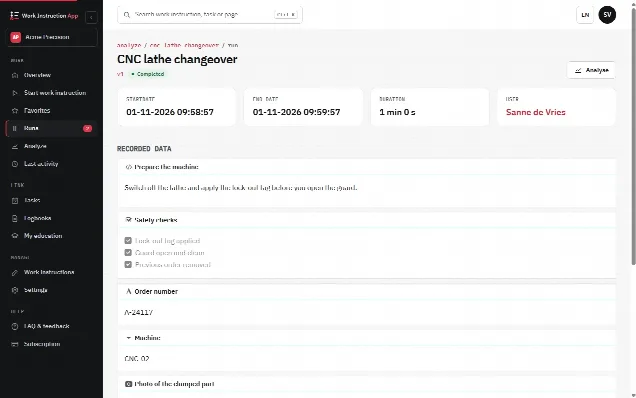
For the effectiveness check, filter the completed runs of the work instruction per period and open them to see whether the new steps are being performed. That is also the evidence an auditor asks for; see the audit page and the requirements under ISO 9001. Deviations also surface by themselves: a number outside its minimum and maximum, a barcode that is not the expected value or an option you ticked as deviating marks the run, and the filter "With deviations" in the runs overview shows where the same problem returns. With Review required on the work instruction, a changed version is published only after a Manage user who did not write it has checked the changed steps and approved them, and the History tab shows who changed and published what. The app does not track CAPA actions or their due dates: the CAPA owner and the deadlines stay part of your own quality process.