In short: EU GMP Annex 11 sets the expectations for computerised systems used in GMP-regulated activities, including the software in which operators record their work. It asks for risk management, validation, controlled data, audit trails, electronic signatures, security and periodic evaluation. The regulated company is responsible for meeting it: a supplier can support you with information and features, but no software is "Annex 11 compliant" out of the box, because validation is done for your intended use.
What is EU GMP Annex 11?
Annex 11 "Computerised Systems" is part of EudraLex Volume 4, the EU guidelines for good manufacturing practice for medicinal products for human and veterinary use. The current version came into operation on 30 June 2011. It applies to all forms of computerised systems used as part of GMP-regulated activities, from an ERP system to a tablet on which an operator records a cleaning step.
Its principle is short and worth quoting in substance: the application should be validated and the IT infrastructure qualified, and where a computerised system replaces a manual operation, there should be no decrease in product quality, process control or quality assurance, and no increase in the overall risk of the process. In other words: going digital must not make things worse, and you must be able to show that.
The European Commission has worked on a revision of Annex 11; check the EudraLex Volume 4 page of the European Commission for the version that currently applies. For US-regulated products, 21 CFR Part 11 covers electronic records and signatures with partly similar expectations.
What does Annex 11 ask for?
Annex 11 has a general part, a project phase and an operational phase. The topics that matter most for digital execution records are:
- Risk management (section 1). Decisions on the extent of validation and data integrity controls are based on a justified and documented risk assessment, taking into account patient safety, data integrity and product quality.
- Personnel and suppliers (sections 2 and 3). Clear roles between process owner, system owner, qualified persons and IT. When a third party provides or hosts the system, formal agreements describe its responsibilities, and the competence and reliability of the supplier are assessed.
- Validation (section 4). Validation documentation covers the relevant steps of the lifecycle, with user requirements, change control and an inventory of systems.
- Data, accuracy checks and storage (sections 5 to 7). Data exchanges include checks, critical manual entries get an additional accuracy check, and data is protected, backed up and accessible throughout the retention period.
- Audit trails (section 9). Based on a risk assessment, consideration should be given to a system-generated audit trail of GMP-relevant changes and deletions, with the reason documented, and audit trails are reviewed regularly.
- Change management and periodic evaluation (sections 10 and 11). Changes are controlled, and the system is evaluated periodically to confirm it remains in a valid state.
- Security and incidents (sections 12 and 13). Access is restricted to authorised persons, and incidents are reported and assessed.
- Electronic signatures (section 14). Where records are signed electronically, the signature has the same impact as a handwritten one within the company, is permanently linked to its record and includes the date and time.
- Business continuity and archiving (sections 16 and 17). Arrangements for system breakdowns, and archived data that stays accessible and readable.
What must the regulated company do itself?
Annex 11 is addressed to the manufacturer, not to the software supplier. That has practical consequences:
- Define the intended use. Which records will be kept in the system, which of them are GMP-relevant, and which decisions (such as batch release) depend on them.
- Do the risk assessment. The extent of validation follows from the risk. A system for internal training records needs a different approach than one that holds the batch record.
- Validate for that use. Write user requirements, test that the configured system meets them, and document the result. Supplier documentation can be used, but the conclusion is yours.
- Set up procedures. User management, corrections, review of records, backups and restore tests, change control for new versions of the software, periodic review.
- Assess the supplier. Annex 11 expects formal agreements and an assessment of the supplier's competence and reliability, for example with a questionnaire or an audit.
Industry guidance such as GAMP 5 describes a risk-based approach to validating computerised systems and is widely used for this. The data integrity principles behind all of this are summarised as ALCOA+: records must be attributable, legible, contemporaneous, original, accurate, complete, consistent, enduring and available. The PIC/S guidance PI 041-1 explains them in detail.
Which questions should you ask your software supplier?
The table translates the main Annex 11 topics into questions for the supplier of a system for digital work instructions and execution records. The answers feed your risk assessment and validation; they do not replace them.
| Annex 11 topic | What to ask your software supplier |
|---|---|
| Suppliers and service providers (3) | Is there a written agreement that describes responsibilities for hosting, support, backups and changes? Can we assess or audit you? |
| Validation (4) | Which documentation do you provide (functional description, release notes, test evidence)? Can we test in a separate environment before using a new function? |
| Data and accuracy checks (5, 6) | How are values entered and validated? Can fields be made required? Which data does an execution record contain? |
| Data storage (7) | Where is the data hosted, how often are backups made and how is restore tested? Is our data separated from other customers? |
| Printouts (8) | Can we get a readable copy of a record and an export of the data? |
| Audit trails (9) | Which events are logged with user and time? Can completed records be changed or deleted, and if so, is that recorded? |
| Change management (10) | How are software updates released and announced? How can we assess their impact on our validated state? |
| Security (12) | How is access controlled (personal accounts, roles, single sign-on)? How are passwords and sessions handled? |
| Incident management (13) | How do you report incidents that may affect our data, and how fast? |
| Electronic signature (14) | How is a signature stored and linked to the record? Does it meet our requirements for an electronic signature, or is it a confirmation only? |
| Business continuity and archiving (16, 17) | What happens during an outage? How do we get our records out when the contract ends, and in which format? |
Ask for answers in writing and keep them with your validation file. Where an answer shows a gap, decide in your risk assessment whether a procedural control (for example a second-person review) is enough or whether the system is not suitable for that use.
Where do digital work instructions fit?
Digital work instructions sit close to the operator: they show the steps and capture what was done. In a GMP context they can support data integrity well, because data is entered once, at the point of work, by a named user. But they are only one part of the picture. For each use you decide whether the records are GMP-relevant, and whether they are the official record or a supporting one next to your validated batch record system. Background on the requirements is on the GMP page and for the sector on pharmaceuticals.
In practice with digital work instructions
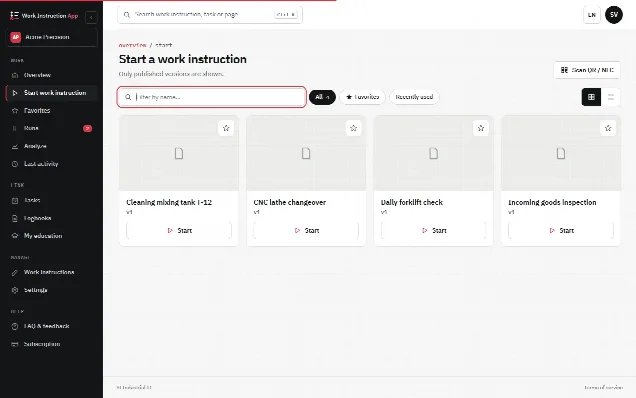
To be clear first: the Work Instruction App makes no claim to be validated, GMP-certified or 21 CFR Part 11 compliant as a product. As Annex 11 says, the customer assesses and validates the system for its own intended use. What the app offers as input for that assessment:
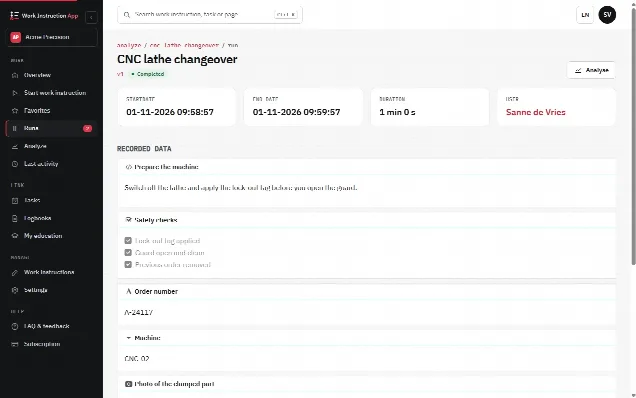
- A user per record. Every run is linked to a personal account; roles (Execute, Analyze, Manage) limit who can do what, and Microsoft Entra ID single sign-on is available.
- Timestamps. Every run stores its start and end time and duration.
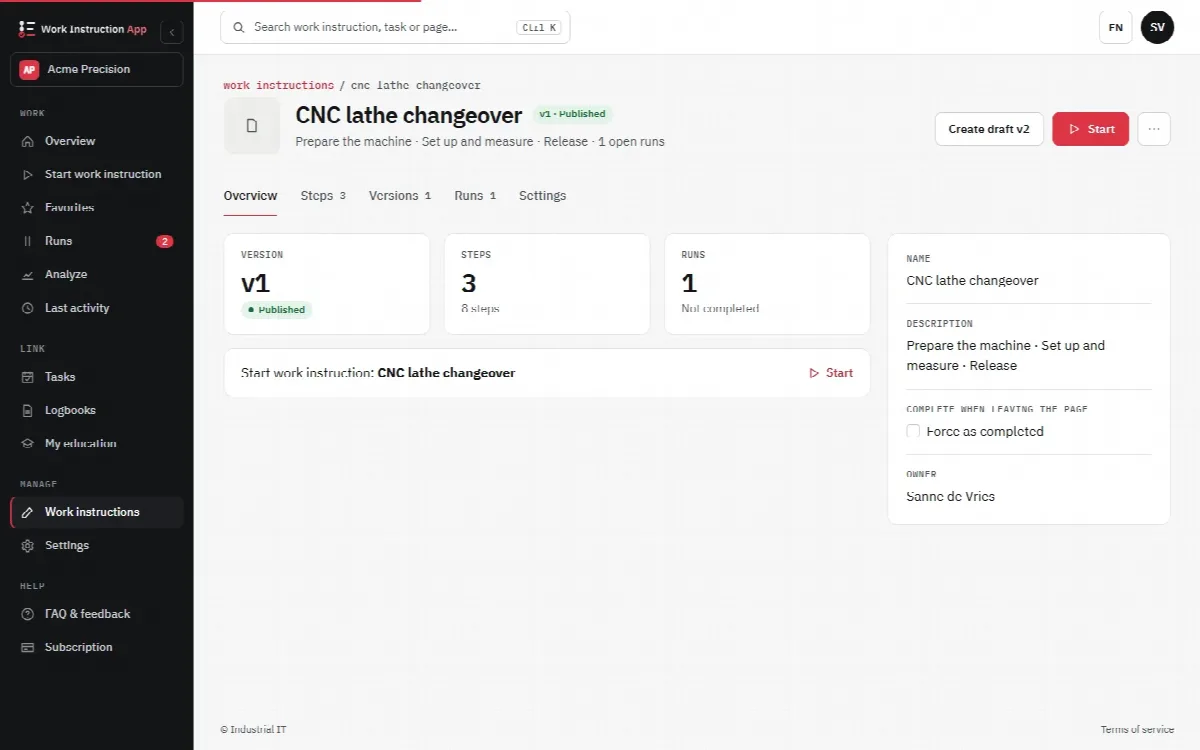
- Versions. Work instructions are published as numbered versions; older versions stay traceable and each run shows the version used. See version control.
- Run history. Every answer, photo and signature is stored with the run; completed runs can be filtered per work instruction, user and period, searched by an entered value, exported to Excel or CSV, and printed per run with deviations, approval and history (saved as PDF through the browser).
- Signatures. A signature block stores a drawn signature as an image in the run, together with the user and time of the run. Whether that meets your definition of an electronic signature is part of your own assessment.
- Change history. An append-only log records who created, saved (with a summary of added, removed and changed steps), published, retracted or deleted a work instruction, and who started, completed, reopened, approved or rejected a run. It is shown in the History tab of the work instruction and on the run details; the app never changes or deletes its entries. Whether this covers what you need from an audit trail under section 9, such as a documented reason for a change, is part of your own assessment.
- Review and approval. With Review required, a new version is published only after a Manage user who did not author it has checked the changed steps and approved it with their own password. With Approval required, a completed run waits until a Manage user who is not the performer approves it with their own password or rejects it with a reason. A completed run is final and can no longer be changed.
- Hosting. Hosting in Europe under Dutch law, a separate database per customer and hourly backups. Details are on the security FAQ.
Ask us the supplier questions from the table above as well, and use the answers in your own risk assessment. A 30-day free trial lets you test the functions against your user requirements before you decide. For the benefits of digital execution in general, see why digital work instructions.